
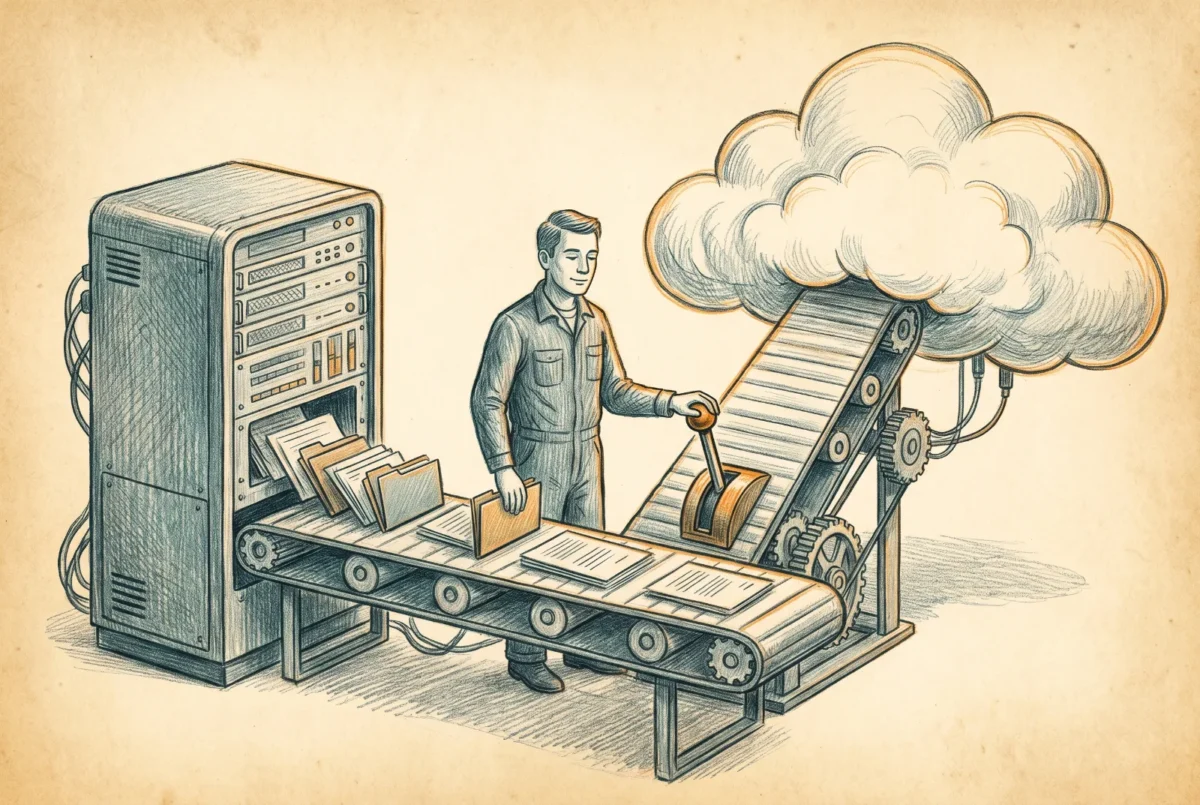

By the end of this build sheet a production share has moved from a Windows file server to Azure Files with its permissions intact and proven: root ACLs pre-set, a logged multi-pass RoboCopy with the correct fidelity flags, a freeze window measured in hours, a DFS-N cutover users did not notice, and a validation pass that tested denies as seriously as allows.
Prerequisites: the destination share with identity and network path built ([AF 1.1] through [AF 3.x]); the ACL principal inventory from [AF 6] with each group’s sync status resolved (hybrid path) or the target cloud-group model designed (cloud-only path); an operator workstation or jump server that can reach both the source server and the share on 445; the storage account key available for the copy phase (this is the one sanctioned key use left in this series); a maintenance window agreed for the freeze; and DFS-N in front of the share being migrated, or the [AF 6.2] drive-mapping approach as your cutover mechanism instead.
Step 1: Mount the target as superuser
Copying other people’s ACLs requires writing security descriptors for principals that are not you, and the identity-mounted share will not allow it. The storage account key mounts as superuser, bypassing the ACL machinery precisely as this job requires. On the operator machine:
net use M: \\stvciofiles01.file.core.windows.net\dept-shared `
  /user:Azure\stvciofiles01 <storage-account-key> /persistent:no
Two notes with teeth. First, if you completed the [AF 3.1] hardening and removed NTLMv2 from the account’s SMB security settings, re-allow it for the duration of the migration, because key mounts ride NTLMv2; put it back when the parole period ends. Second, rotate this key when the migration closes, exactly as [AF 2.1] taught, because it has now been typed into a workstation.
Step 2: Set the root ACLs before any data lands
On the empty share, stamp the root and create the top-level directory skeleton with its intended ACLs, copied from the source root or built fresh on the cloud-only rebuild path. Order matters: propagation over an empty tree is instant, over ten million copied files it is a weekend of its own.
# Hybrid path: clone the source root's DACL onto the target root
icacls "\\FS01\Dept-Shared" /save rootacl.txt /c /q      # no /t: root entry only
icacls "M:\" /restore rootacl.txt
Note the omission: icacls /save without /t writes the named object’s ACL and nothing else, which is exactly what you want here. Add /t and you capture the whole tree, and restoring that file against an empty target errors on every path that does not exist yet. Save the root entry alone. On the cloud-only path, skip icacls entirely (it cannot resolve cloud principals) and stamp the skeleton with RestSetAcls per [AF 2.1] Step 5.
Step 3: The initial bulk pass
Run the first full copy from the operator machine while users keep working on the source. The flag set is the whole lesson:
Before you run this: /MIR is destructive on the destination. It deletes anything present at the target that is absent at the source, which means a mistyped source path or a source that has not finished mounting can empty a share in the time it takes to read this sentence. Run the command once with /L appended first, read the summary, and only then run it for real. Keep the destination closed to user writes until cutover, because a file a user creates directly on the target is a file the next mirror pass deletes without telling you.
robocopy \\FS01\Dept-Shared M:\ /MIR /COPY:DATSO /DCOPY:DAT /B `
  /MT:16 /R:2 /W:1 /NP /NFL /NDL `
  /XD "System Volume Information" '$RECYCLE.BIN' `
/UNILOG:C:\MigLogs\dept-shared-pass1.log| Setting | Value | Why |
|---|---|---|
| Fidelity | /COPY:DATSO /DCOPY:DAT | Data, attributes, timestamps, security (DACL), owner. Deliberately NOT /COPYALL: the U flag copies SACLs, which Azure Files cannot store, and every file errors. |
| Mode | /MIR /B | Mirror keeps passes idempotent; backup mode reads files the operator’s ACLs would deny. /B works because the target is key-mounted superuser. |
| Threads | /MT:16 | Azure Files rewards parallelism; single-threaded copies waste the provisioned throughput you are paying for. Watch the share’s IOPS metric and tune. |
| Retries | /R:2 /W:1 | The defaults retry a locked file a million times; two attempts and move on, the next pass gets it. |
| Logging | /NP /NFL /NDL /UNILOG | Per-file console output halves throughput; the log file carries the errors, which are the only lines that matter. |
Expected result: a summary block with FAILED = 0 or a short, explicable error list (locked files, path-length outliers past 2,048 characters, the odd ADS-bearing file which cannot copy and must be dispositioned). Read the log; the files RoboCopy could not carry are precisely the ones someone will ask about in month two. Worked example from the field: a 3 TiB departmental share with 2.1 million files over a 500 Mbps link cleared its first pass in roughly a day and a half; your arithmetic is (data volume ÷ real uplink) plus per-file overhead that grows with millions of small files, and the first pass tells you the truth for the passes that follow.
At fleet scale, this step and the next are what Azure Storage Mover replaces: an agent VM near the source, migration projects defined per share, the same fidelity, dashboards instead of logs. The sequencing around it, root ACLs first, freeze, cutover, validation, is unchanged; Storage Mover replaces the copy engine, not the discipline.
Step 4: Incrementals, freeze, final pass
Re-run the identical command nightly; /MIR makes each pass a delta, and the pass duration shrinking toward minutes is your readiness signal. When a pass completes inside your maintenance window’s budget, schedule the freeze: set the source share read-only (remove NTFS write for users, or net share the share out from under write access), run the final pass with the same command, and confirm FAILED = 0 with zero skipped-in-use files this time, because nothing was in use. The freeze-to-cutover gap on a well-rehearsed share is under an hour, and the incremental rehearsals are what bought it.
Step 5: Cut over the namespace
With DFS-N in front (the [AF 5.1] Step 4 build, or your existing namespace), cutover is one command:
New-DfsnFolderTarget -Path "\\contoso.com\shares\Dept-Shared" `
  -TargetPath "\\stvciofiles01.file.core.windows.net\dept-shared"
Set-DfsnFolderTarget -Path "\\contoso.com\shares\Dept-Shared" `
  -TargetPath "\\FS01\Dept-Shared" -State Offline
Add the new target, take the old target offline rather than deleting it, and clients follow the referral on their next connection; a straggler’s cached referral clears within the namespace TTL or with dfsutil /pktflush at the desk. The old target staying offline-but-present is your fast path back during the parole period, and it is worth being precise about what that buys you. Flipping the target state returns clients to the server quickly, but it returns them to the data as it stood at the freeze. Once production writes have landed on the share, reversal is no longer a state flip; it is a reverse copy of everything written since cutover, and it needs the same rehearsal and the same freeze the forward pass got. Treat the referral flip as a rollback only in the window before users have written to Azure, and treat everything after that as a migration in the other direction. Expected result: a client’s net use against the namespace path resolves to the Azure endpoint, which you verify with dfsutil cache referral rather than by asking users whether things feel different.
Step 6: Validate like the auditor you will eventually face
The end-to-end test is [AF 2.1] Step 6 performed against migrated data with production groups: one test user per major permission population, mounting through the namespace, proving reads where reads belong, writes where writes belong, and denials where denials belong, with klist confirming the ticket came from the expected realm. On the hybrid path, additionally spot-check five folders deep in the tree with icacls <path> against the same folder on the frozen source; the DACLs should read identically. Then the negative test the doctrine article insisted on: pick one ACE from the inventory known to reference an unsynced or dead principal, confirm access through it does not work, and either re-ACL that branch to a living group now or file it as accepted loss, in writing. Decommission closes the project on a date, not a vibe: source read-only through parole, key rotated, NTLMv2 re-restricted, the migration log archive filed next to the ACL inventory, and the server’s final shutdown scheduled on the calendar where it can be argued with.
Azure Files
‹ Previous: [AF 6] Migrating the File Server: ACLs, SIDs, and Sequencing
Next: [AF 6.2] Build Sheet: The Small-Shop Cutover and the Old-Fashioned Drive Map ›



