
Guide
Azure
The Azure domain gathers the platform series that sit alongside the workplace guides: Arc for servers anywhere, domain-joined or not, the file platform that can retire the on-prem server, the landing zone you build before any workload lands in it, secure access at the network edge, and the SQL estate wherever it runs.
Azure Arc
13 articles
Azure Arc: A Cloud Management Plane for Servers Anywhere
Arc extends Azure’s management plane onto servers Azure does not host. The control plane is free, the management meters, and your Windows Server licensing decides which.

Onboarding: The Agent Is a Trust Decision
Onboarding a server to Arc looks like an install step. It is really a grant of code execution and a network-path decision, and the defaults do not make either choice for you.

Build Sheet: Onboarding at Scale
The build companion to the onboarding article: the low-power onboarding identity, the connectivity choice, agent hardening, and the verification that proves a server is genuinely managed.

Policy and Machine Configuration: The GPO Question, Answered Honestly
Machine configuration is the closest thing the cloud has to a GPO. It genuinely enforces state, but it is machine-scope only, it lags, one mode costs you the drift interval, and it meters. Here is where the analogy stops.

Build Sheet: A Machine Configuration Baseline
Take a built-in baseline from audit to enforcement: make the drift-visibility decision, remediate machines already adrift, check the meter, and prove it with a deliberately broken setting.
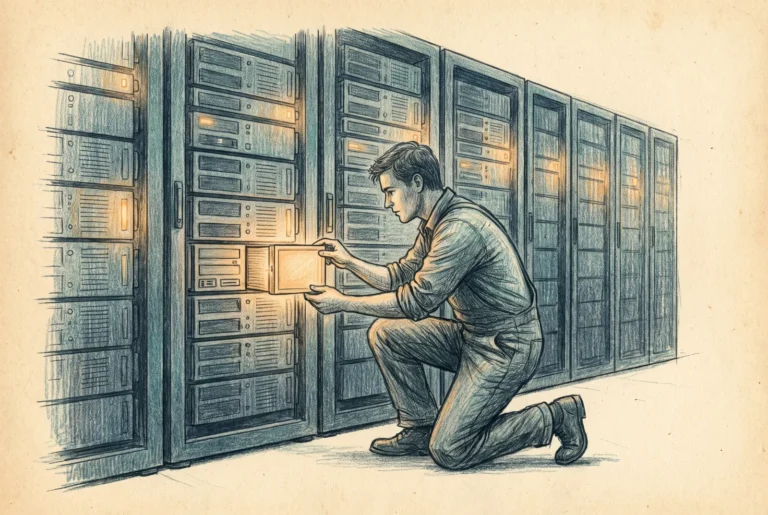
Update Manager: Patching After WSUS
WSUS is deprecated and Azure Update Manager is the server successor: workspace-free assessment, dynamic schedules, a WSUS coexistence path, an authority that moved into Azure, and now free hotpatching.

Build Sheet: Update Manager End to End
Stand up server patching: periodic assessment by policy, a maintenance configuration scoped by tag, hotpatch enrollment on Windows Server 2025, the meter and its waivers, and an end-to-end test.

The Operations Surface: Extensions, Monitoring, and Remote Access
Running an Arc server day to day is extensions, monitoring, and remote access. Each is good, and each has an edge: version drift, ingestion cost, and three remote-access paths that Conditional Access governs differently.

Build Sheet: Operating an Arc Server
The operations surface in practice: install an extension, wire monitoring with the Azure Monitor Agent, run a PowerShell script on a machine from Azure, open a session with no inbound port, and set the local blocklist that lets a server refuse all of it.

ESUs and Licensing: The Plane Pays for Itself
Many adopt Arc for money, not management: Extended Security Updates with sharp billing edges, a closing 2012 deadline, the 2016 wave, pay-as-you-go traps, and the attestation benefit that makes management free.

Build Sheet: ESU Enrollment Through Arc
Walk Extended Security Updates through Arc from eligibility to exit: attest coverage, provision and size the license, activate with the back bill in mind, link machines, and deactivate deliberately at program end.

Defender for Servers via Arc: Enabling the Security Attach
Arc is the vehicle that brings Defender for Servers onto non-Azure machines. The article turns on one decision: reach it through Arc for full capability, or through direct onboarding for visibility only.

The Decision: Arc-Managed vs Domain-Joined
The capstone: Arc is not a replacement for the domain but the management plane that lets a server outlive its dependence on one. How to sort a fleet between the two, and where the larger shrinking-AD story goes next.
Azure Update Manager
13 articles
Azure Update Manager: Patching as an Authority Question
Update Manager does not publish updates, cannot change where your servers get them, and does not touch a single client device. What it does own is the change window, and that is the part of patching that quietly changed hands.
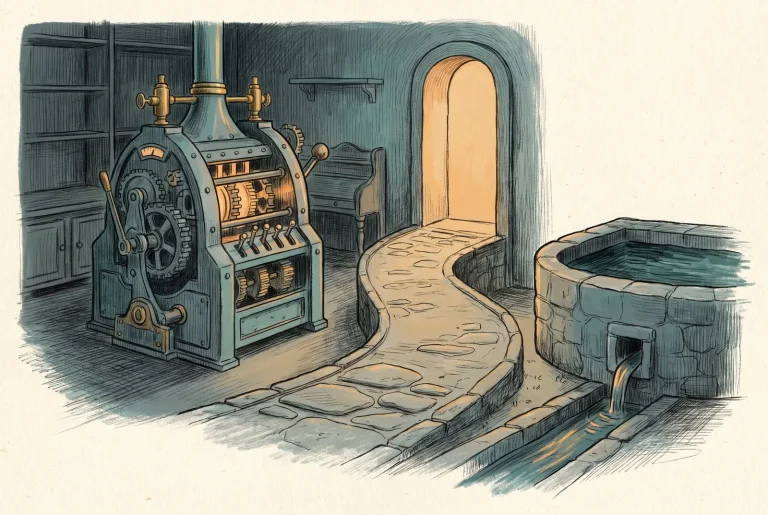
The WSUS Question: Coexist, Cut, or Keep
WSUS is deprecated, ships in Server 2025, and is supported into the 2030s. That is not a burning platform, so the decision has to be argued on its merits rather than on the word, and this is the case both ways with the ruling.
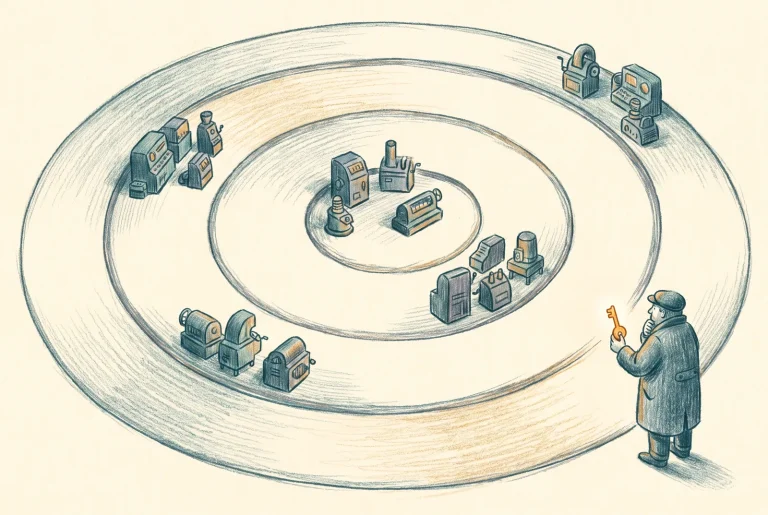
Rings, Windows, and Who Owns the Reboot
The maintenance configuration is your change window turned into an Azure resource, which means it now has a location, a lifecycle and an owner. Ring membership is a tag query resolved at run time, so the tag is the second authority surface and almost nobody guards it.

Build Sheet: Standing Up Update Manager Across the Estate
Every machine assessed on a schedule, tagged into a ring, running under a maintenance configuration, and one full patch cycle completed with WSUS still supplying every byte. That last clause is the proof that the schedule and the source are two separate levers.

Hotpatch: Buying Back the Reboot
Hotpatch is the one place in this subject where the answer genuinely got better, and it arrives by two unrelated routes with opposite acquisition models. On Azure you buy it at image-selection time; on Arc-connected machines it has been free since May 2026.

Build Sheet: Hotpatch on APP02 and AZSRV01
APP02 enrolled in hotpatching through Arc with the Virtual Secure Mode gate in front of the enrolment, AZSRV01 confirmed hotpatch-capable through its marketplace image, and both verified in installation records rather than status fields.

The Cutover: Leaving WSUS Without Breaking the Estate
Phase two happens entirely in Group Policy, and Update Manager does nothing but watch. That is Microsoft's instruction rather than a gap, and it makes the riskiest step in this series a change to the one technology nobody treats as risky.

Build Sheet: The Ring-by-Ring Source Cutover
One ring moves off WSUS and onto Microsoft Update, verified at the machine and in Update Manager, with the rest of the estate untouched and a rollback that is a single group membership change.
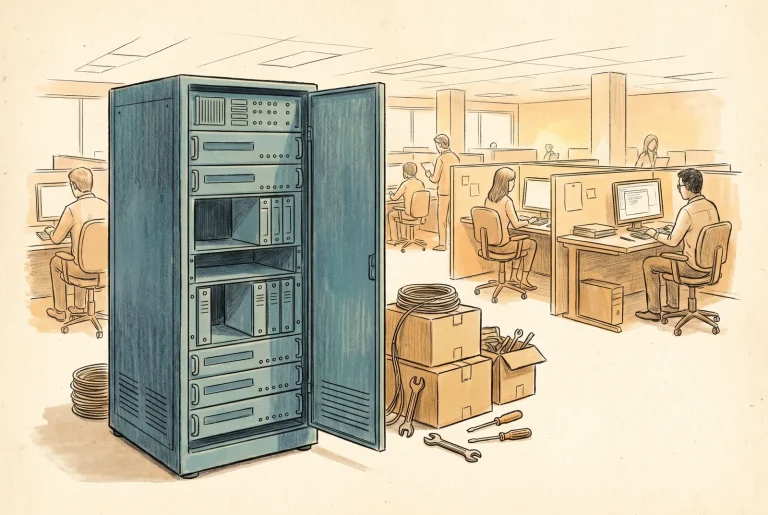
Build Sheet: Decommissioning WSUS01
Microsoft publishes no WSUS decommission guidance anywhere, so this is practitioner method rather than vendor instruction. Stragglers found first, evidence taken off the box, and only then the role, the database, the site and the disk.

The Meter and the Waivers: What Patching Costs Now
Azure VMs are free and Arc machines are metered, but the number on the invoice is decided by your licensing posture rather than by how much you patch. The same estate bills at forty dollars a month or at nothing, and most estates are paying for something they already own.

Operating Update Manager: The Loop After the Rings
Update Manager keeps seven days of assessment history and thirty days of installation history, and its alerting has been in preview for nearly three years. Every estate that runs this seriously builds the same scaffolding, so it is cheaper to plan it than to discover it.
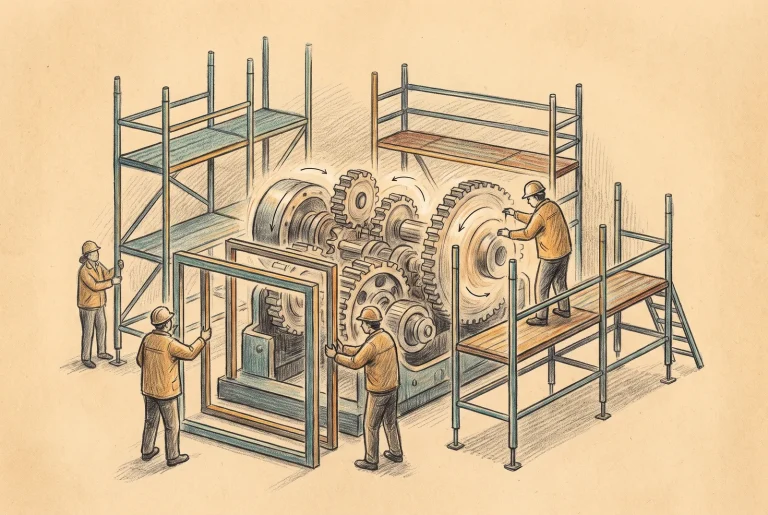
Build Sheet: The Operations Scaffolding
The queries, the alert, the export and the pre-event pair that every Update Manager estate ends up building. Reproducible from the text, with the timing rules that cancel a patch cycle if you ignore them.

The Estate After WSUS
Retiring WSUS removes a server and redistributes four separate powers, one of which stops existing entirely. Here is what the estate now owns, where this whole approach is the wrong answer, and what January 2027 does to the machines that cannot buy their way past it.
Azure Files
16 articles
Azure Files: The File Server Question, Re-Asked
The honest answer to "can Azure Files replace my file server" changed in 2026. Here is what the platform actually is now, and the three deployment postures I defend.

Build Sheet: Your First Azure File Share
From an empty subscription to a mounted drive letter with Kerberos sign-in, no domain controller required. The starter build for anyone who has never touched Azure Files.
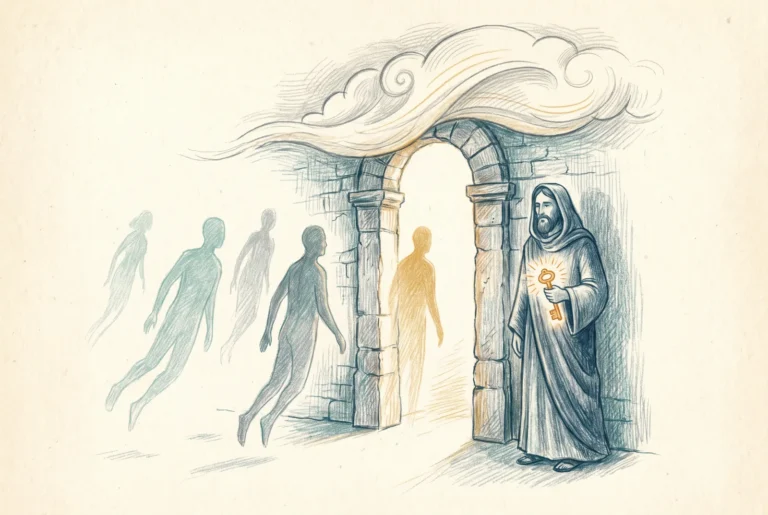
Identity: Who Your File Server Trusts Now
The identity source you pick for Azure Files is a one-per-account authority decision, and the right answer changed in May 2026. The four paths, the device matrix, and the MFA limitation nobody mentions.
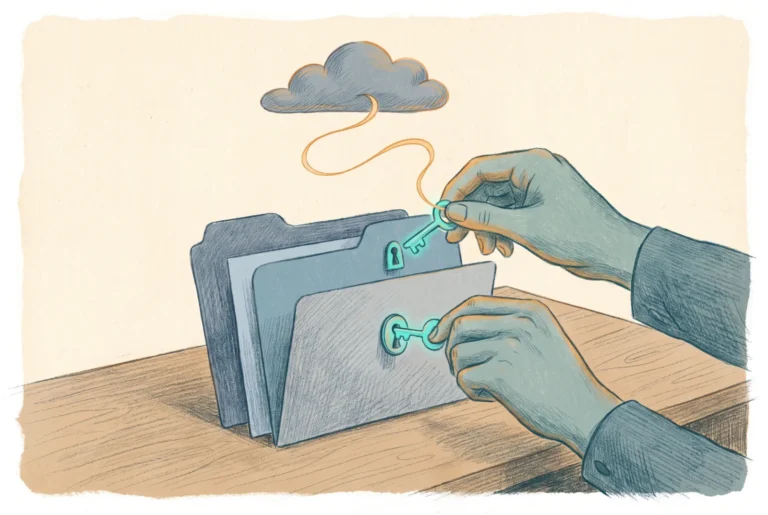
Build Sheet: Cloud-Native Identity for Azure Files
Named groups, real NTFS ACLs, the manifest tag, and the Conditional Access exclusion: the full identity build for an Azure file share with no domain controller.

Port 445 and the Internet: The Honest Risk Model
Yes, Azure Files is literally SMB on port 445 to a public endpoint. Whether that should scare you depends on facts most people arguing about it do not have.
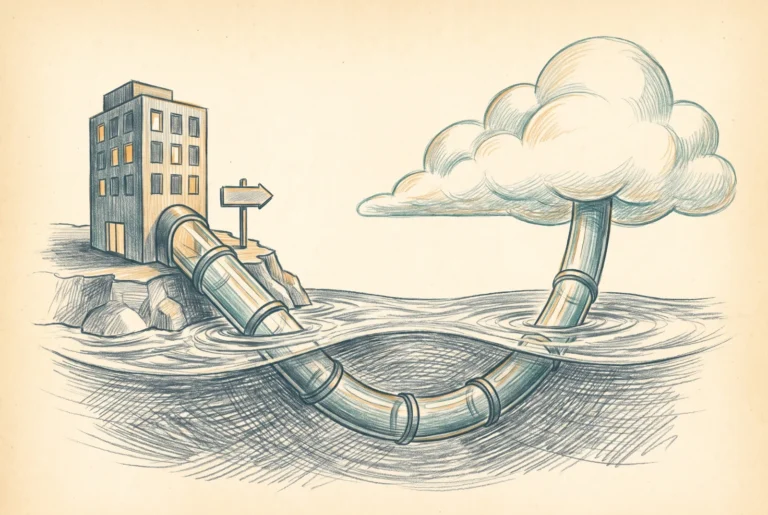
Build Sheet: Private Endpoint, DNS, and the Locked-Down Share
The S2S VPN posture built end to end. Private endpoint, the privatelink DNS zone, on-prem resolution, a closed storage firewall, and hardened SMB, plus the Entra Kerberos step that teaches the storage application its private-link SPNs so mounts get a ticket instead of error 1326.

Build Sheet: Azure Files Through Global Secure Access
The no-VPN remote access build: the share private endpoint published through Entra Private Access, with Conditional Access and MFA standing in front of the SMB tunnel.

Paying for Azure Files: Provisioned v2 and the End of the Transaction Lottery
The billing model, not the technology, generated most Azure Files horror stories. Provisioned v2 replaces the transaction lottery with three dials you set on purpose.

Azure File Sync: The Cache That Keeps Your Servers
Azure File Sync turns the file server you already own into a local cache of a cloud share. It solves latency and the port 445 problem in one move, and it has three limits you must respect.
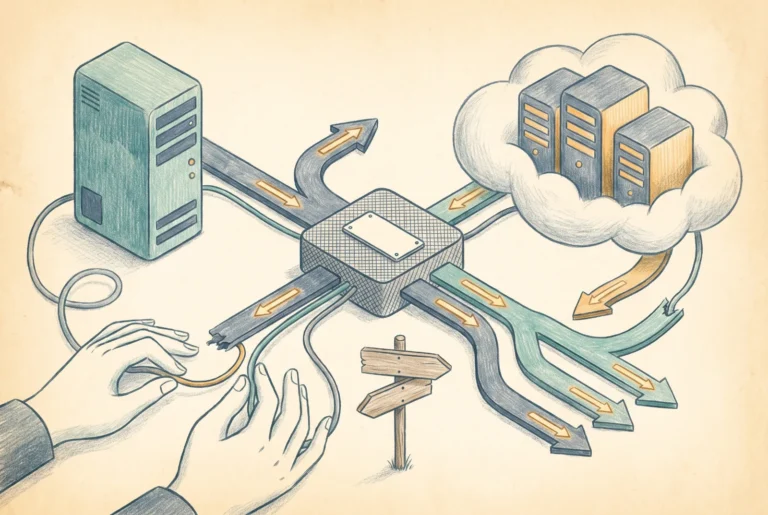
Build Sheet: File Sync with DFS-N, End to End
Storage Sync Service, agent, sync group, cloud tiering, and a DFS namespace in front: the full hybrid cache build, including the conflict test you should run on purpose.

Migrating the File Server: ACLs, SIDs, and Sequencing
File server migrations fail on permissions and sequencing, not on copying bytes. What actually survives the move, which SIDs go dead on arrival, and the order of operations that makes cutover boring.

Build Sheet: The Migration Run
RoboCopy with the right flags, root ACLs set before the bulk copy, incremental passes, a short freeze, and a DFS-N cutover: the enterprise migration executed end to end.

Build Sheet: The Small-Shop Cutover and the Old-Fashioned Drive Map
One server, one weekend, no DFS: the small-business migration to Azure Files, and mapping the same drive letters users have had for twenty years, by GPO, by Intune, or by plain net use.

Operating Azure Files: Backup, Monitoring, and the DR You Actually Have
Snapshots are not backup, vaulted backup finally is, three alerts cover ninety percent of incidents, and the geo-failover story deserves to be told without euphemism.

Build Sheet: Data Protection and Alerts
Vaulted backup, a snapshot schedule, soft delete verified, three alert rules, and the restore drill that turns the backup policy from hypothesis into fact.
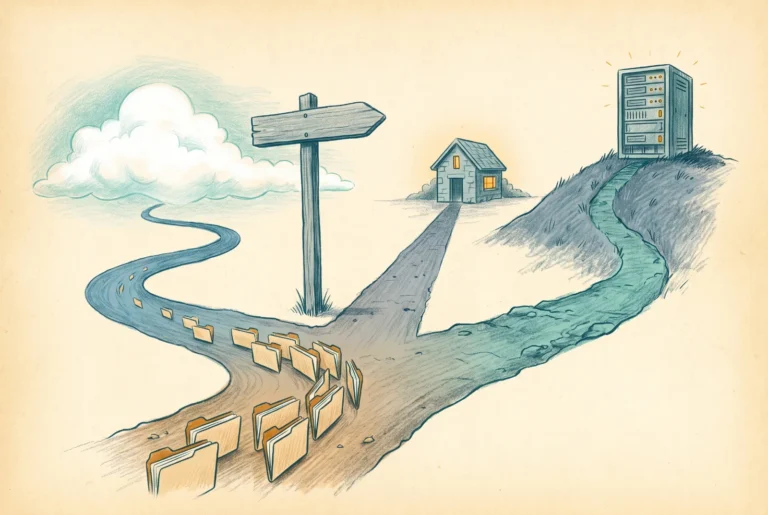
The Decision: Replace, Cache, or Keep
The capstone: which workloads move to Azure Files directly, which sit behind a cache, and which honestly belong somewhere else, with the criteria stated plainly enough to argue with.
Azure Landing Zones
16 articles
Azure Landing Zones: The Foundation You Pour Before the House
A landing zone is not a thing you deploy. It is the set of decisions you make before any workload exists, and here is the right-sized version of them for an organization under about two thousand dollars a month in Azure.

Where You Are Starting From
Every sub-2k organization arrives at a landing zone from one of three starting points, and which one you are in decides what to build first, what to leave alone, and what to be afraid of.

Discovery Before You Deploy Anything
The reproducible pre-deployment audit: subscriptions, address space, connectivity, access, Secure Score baseline, and the on-premises DNS forwarder check that saves you from the hardest problem to diagnose after go-live.

The Governance Backbone
The management group hierarchy, the subscriptions inside it, and the naming and tagging decisions that are nearly free on day one and painful to change later. Deploy the whole shape at once, and keep management groups for inheritance, never for workloads.

Standing Up the Governance Backbone
The build sheet for the governance backbone: elevate to the root once by hand, create the ten-group tree, place your subscription with the brownfield rule in mind, set the naming and tag standard, and prove inheritance flows.

The Network You Cannot Redo Later
Hub and spoke even when it is small, an address plan built for where you are going, the two connectivity problems that age in opposite directions, and why name resolution and egress get their place in the hub from day one.

Standing Up the Hub and Connectivity
The build sheet for the hub: carve the address space, create the hub and its fixed-name subnets, stand up the VPN gateway, peer the spokes with gateway transit, turn on virtual network flow logs, and prove a spoke reaches on-premises through the hub.

Wiring Name Resolution End to End
The build sheet for name resolution: the DNS private resolver and its inbound endpoint, the private DNS zones, the on-premises conditional forwarders, the catch-all remediation discovery flagged, and a private endpoint proven to resolve privately from both the spoke and on-premises.

The Control Plane You Were Already Standing On
The management-group tree, the hub, the name resolution: all of it is inert until an identity has the authority to act on it. In Azure, identity is the control plane, and this is how you arrange it so a small team can operate the foundation safely.

Standing Up Identity and Access
Two hardened break-glass accounts, the groups that carry every Azure role, RBAC placed on the management-group tree, Privileged Identity Management if you licensed it, and an end-to-end test that proves inheritance. The reproducible build for identity and access on the foundation.

The Estate You Can See
Two questions the foundation still has to answer: is the estate configured well right now, and what happened when something went wrong. Posture with Defender for Cloud and a single central Log Analytics workspace, stood up as platform services so the estate can see itself and keep the record.

Standing Up Posture and the Central Record
The central Log Analytics workspace, Defender for Cloud with the plan you chose, diagnostic settings pushed across the tree by policy, the identity signals routed in, the alerts that matter, and a test that proves a resource logs land in the record. The reproducible build for posture and central logging.

Where the Tree Starts Saying No
The management-group tree has organized, scoped, and inherited, but it has not yet refused anything. Policy is the enforcement layer: audit before deny, mandatory tags and inheritance, exemptions as designed carve-outs, and the tree finally saying no.

Standing Up the Policy Guardrails
Tags and locations assigned in audit, scanned, then promoted to deny; tag inheritance via Modify with remediation; the gateway subnet exempted; the crown jewels protected from deletion; and a test that a non-compliant resource is blocked and a compliant one accepted.

Grows by Placement, Not Rebuild
The foundation is built; now it is operated and grown. Day-two cost management where the mandatory tags finally pay off, the where-does-new-X-go framework, and the series-closing argument that a real foundation grows by placement, not by rebuild.

Standing Up the Operating Loop
Cost views and budgets by tag, the subscription-vending checklist, the add-a-spoke runbook, and the monthly health and drift checks. The operating loop made concrete, and the final build sheet of the series.
Azure SQL
12 articles
SQL Server in Azure: Four Options and One Decision
Azure SQL Database, Managed Instance, SQL Server on an Azure VM, and SQL Server enabled by Azure Arc are four points on one gradient of control. What each one actually is, who holds authority for patching and backups and the engine version, and why the decision is rarely about cost.

Azure SQL Database: The Database Without the Instance
The most managed option in the family, and the least forgiving migration target. What Hyperscale being the default tier really means, where serverless earns its keep, and the seven missing features that decide whether your database can live here at all.

Build Sheet: A First Azure SQL Database, Migrated
Provision a logical server with Entra-only authentication and no public endpoint, move a real line-of-business database off an ageing 2014 box, re-found its logins on Entra, and rebuild its overnight job as an elastic job. The database side, end to end, reproducible from the text.

Managed Instance: The Instance That Survived the Move
The lift target that keeps the Agent, cross-database queries, linked servers and native restore. What the update policy really decides, why the next-generation tier trades zone redundancy for scale, and the one-way doors worth knowing about before you provision.
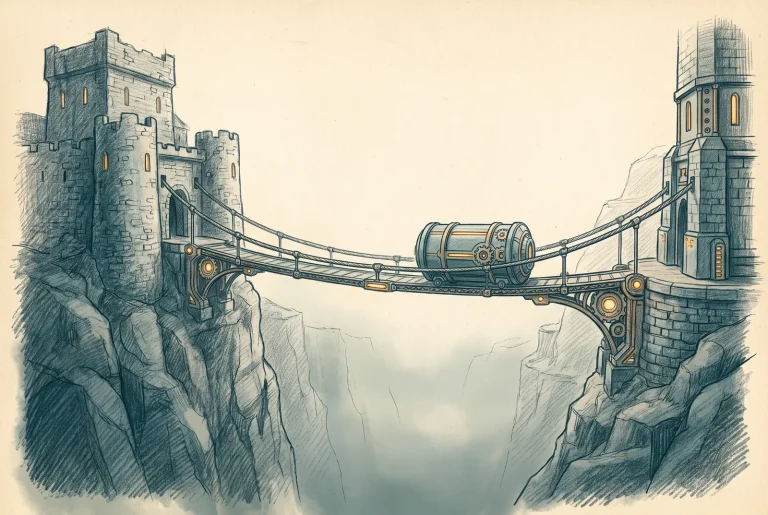
Build Sheet: Migrating to Managed Instance
Two real paths onto a managed instance: a native restore from URL for the old estate that nothing else will reach, and the Managed Instance link for anything from 2016 SP3 upward. Version floors, the certificate work the docs gloss over, and a cutover you can rehearse.

SQL Server on an Azure VM: Full Control, Full Bill
The infrastructure option, argued honestly. Why the SLA never covers SQL Server, what the IaaS Agent extension is actually for, how the license can cost more than the machine it runs on, and the workloads that genuinely belong here.

Build Sheet: Migrating to a SQL Server Azure VM
Build the target properly, move a 2012-era estate onto it with the Arc portal migration experience or with backup to URL, register the IaaS extension, set the license type deliberately, and land the database at compatibility level 110 with a baseline before anything is raised.

Arc-Enabled SQL Server: Managing What Stays
The fourth option is not a destination. It turns licensing posture into queryable Azure metadata, buys extended security updates by the hour, and produces a free continuously refreshed migration assessment. What it genuinely delivers, and what is still preview.

Build Sheet: Arc-Enabling the SQL Estate
Deploy the SQL extension across a mixed estate, exclude what should not be onboarded, set every instance's license type deliberately, read the free assessment properly, subscribe extended security updates without triggering the backbilling surprise, and prove all of it with Resource Graph.
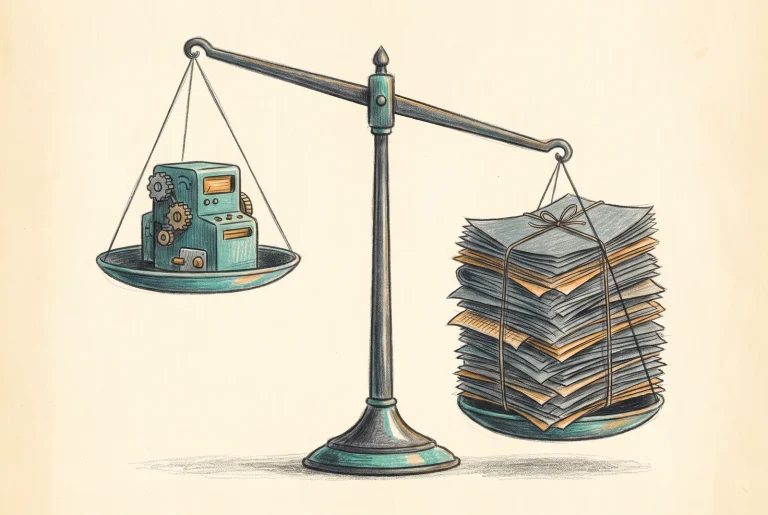
Licensing and Cost: AHB, ESUs, and Where the Money Goes
Hybrid benefit is worth four times more on one tier than another and nothing at all on the tier Microsoft now recommends. The license can exceed the machine. And the free-extended-updates-in-Azure argument died in April 2026. The cost doctrine, stated plainly.

The Migration: Assess, Choose, Cut Over
Every migration tool the community recommended between 2022 and 2024 has been retired. Here is what the toolchain actually is in 2026, how to choose a target by dependency rather than preference, and the cutover discipline that keeps the compatibility level from ambushing you.

The Decision: Which SQL Goes Where
The capstone. Four questions in the order that actually settles a target, the licensing tilt that changes the answer, the estates that should not move this year, and how to build a multi-year plan you can still defend when the platform moves underneath it.



