
Governance is where an estate stops handing out authority and starts lending it. This pillar covers two halves of the same problem, and they meet more often than the org chart suggests. Identity governance decides who holds which privilege, for how long, on whose approval, and with what evidence afterwards. Resource governance decides what is allowed to exist in the estate at all: in which regions, carrying which tags, configured how, and what happens to the request that breaks the rule. The identity half opens with Privileged Identity Management and continues into access reviews, entitlement management and lifecycle workflows; the resource half opens with Azure Policy, the enforcement layer underneath every governance claim the rest of this site makes. Each wave is a self-contained series with its own prefix. The pillar sits alongside the Entra ID Deep Dive and the Intune Deployment Guide rather than repeating them, and on the identity side it is explicit throughout about which capabilities Microsoft Entra ID P2 buys and which now live only in the Governance SKU.
Wave 1: Privileged Identity Management
Standing privilege is the risk, and eligibility is the design response. Twelve articles run the argument end to end: the assignment model and what its settings really control, groups as the scaling mechanism and the constraints that come with them, the April 2026 arrival of Conditional Access enforcement on activation and the passwordless elevation it makes possible, the role model that decides which assignments should exist at all, the same discipline extended over Azure RBAC, and the operating loop that keeps a just-in-time estate from decaying back into a standing one. An anchor, seven doctrine articles and four build sheets, read in order.
Privileged Identity Management: The End of Standing Privilege
An administrator account is only as dangerous as what it can do at the moment it is stolen. Why standing privilege is the risk, what eligibility actually changes, and what P2 buys before the Governance SKU takes over.

The Assignment Model: Roles, Settings, and the Shape of an Activation
Every meaningful PIM decision lives on one settings page, the defaults are not published anywhere, and the three-way choice at the top is the difference between a real control and a decorative one.
Build Sheet: Making Entra Roles Eligible
Take a tenant from standing Global Administrator and Security Administrator assignments to a working just-in-time estate, with deliberate activation windows, a named approver population, and an audit trail that proves it.
PIM for Groups: Privilege in Bundles
Groups are how just-in-time access scales past a handful of roles, and they carry constraints sharp enough to reshape a design: a hard cap of 500, a documented slow path through Exchange and SharePoint, and a door that only opens one way.

Build Sheet: PIM for Groups End to End
Build a role-assignable group carrying three directory roles, bring it under PIM, and make the administrators eligible for membership rather than in it. One activation grants the tier; two of the steps cannot be undone.

Activation Under Conditional Access: The Passwordless Elevation
Requiring MFA on activation reuses the claim the session already carried, so it charged an attacker nothing. Since April 2026 an activation can demand a phishing-resistant credential, fresh, every time. The mechanism, and its three traps.
Build Sheet: Phishing-Resistant Activation for Global Administrator
Make a user who signed in with a password and a push touch a security key before they can become Global Administrator. Authentication context, the Conditional Access policy, the role setting, and the exclusion that would quietly remove the gate.

The Role Model: Fewer Than Five, and Two Outside the Machine
PIM controls when privilege is held, not what privilege exists. Which assignments should exist at all, who can undo the controls you just built, and the two accounts deliberately left standing, permanent, and outside the entire machine.

PIM for Azure Resources: JIT Over Azure RBAC
The same discipline over Azure RBAC, with a different administrative surface, a different API, a different set of people who can even see the assignments, and one operational tax: role settings here do not inherit down the scope tree.

Operating PIM: The Loop That Keeps It Honest
A just-in-time estate decays back into a standing one within a year, through exceptions that each seemed reasonable. The seven alerts, the reviews that actually remove access, and the two places this costs more than P2.
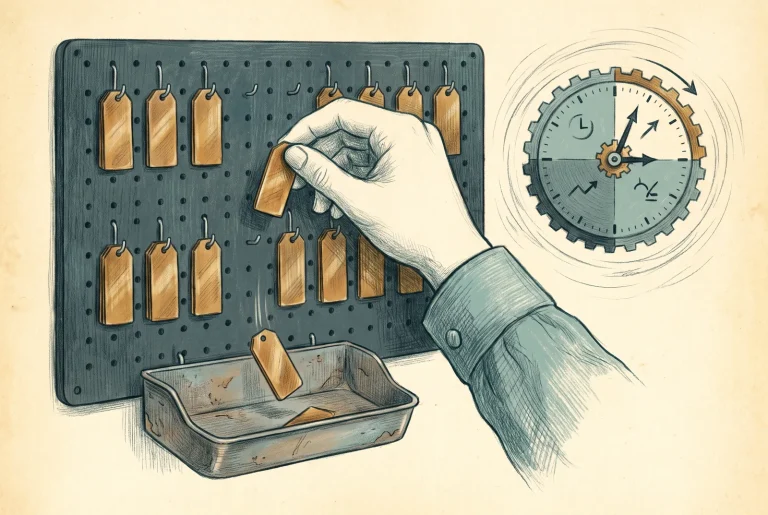
Build Sheet: Access Reviews for Privileged Roles
A quarterly recurring review of who is eligible for Global Administrator, with named reviewers and results that apply themselves. Includes denying a test assignment and proving it actually disappeared.

The Decision: What PIM Owns, and What Governance Adds Next
Which estates stop at role PIM, which need groups, which extend to Azure, and the list of problems you should stop trying to solve with this product. Plus what the rest of the Governance pillar has to pick up.
Which provider owns the problem
PIM is three products behind one name, and most design mistakes in this area come from taking something learned in one of them and applying it to another. This is where they actually differ.
| Microsoft Entra roles | Azure resource roles | PIM for Groups | |
|---|---|---|---|
| What is elevated | A directory role, held tenant-wide or scoped to an administrative unit. | An Azure RBAC role, built-in or custom, at management group, subscription, resource group or resource scope. | Membership or ownership of a security or Microsoft 365 group, and therefore whatever that group grants, which may itself be directory roles. |
| Where the settings live | Per role. One policy governs every assignment of that role in the tenant, which is why the common complaint is that it is too coarse. | Per role and per resource. Every scope carries its own copy, which is what makes a hand-maintained policy design fail at any interesting size. | Per group, two policies each: one for membership activation and one for ownership activation, configured independently. |
| Which API drives it | Microsoft Graph. Assignments under roleManagement/directory, settings as unifiedRoleManagementPolicy. Needs Privileged Role Administrator. | Azure Resource Manager, not Graph. Microsoft.Authorization/roleEligibilityScheduleRequests and its siblings. Needs Owner or User Access Administrator on the resource. | Microsoft Graph, on its own surface at identityGovernance/privilegedAccess/group. Needs Privileged Role Administrator for a role-assignable group, or Groups Administrator or Identity Governance Administrator otherwise, or an active owner of the group. |
| Does scope inherit | Does not apply. There is one policy per role and it is tenant-wide. | No. Microsoft states plainly that settings configured at a higher level, such as a subscription, are not inherited at a lower level, such as a resource group. Plan for this rather than discovering it. | Does not apply. Each group is its own object with its own two policies. |
| Which alerts exist | Seven, including too many Global Administrators, stale accounts in a privileged role, and roles assigned outside PIM. | Four, evaluated per subscription. Note that Roles are being assigned outside of Privileged Identity Management fires only for assignments made at subscription scope, so a standing Owner granted on a management group, resource group or resource will not raise it. | None of its own. Detection has to come from the audit log, where activations land under GroupManagement rather than RoleManagement. |
| Licence for the eligible user | Microsoft Entra ID P2 or Microsoft Entra ID Governance. | The same. | The same. Every user eligible for membership or ownership needs one. |
There is also an earlier treatment of Privileged Identity Management inside the Intune guide, [2.2.2] Privileged Identity Management: Architecture and Build Guide, which remains live as the entry point from that context. The wave above is the canonical, current treatment.
Azure Policy
Azure Policy is where organisational intent becomes machine-enforced authority, and it is the enforcement layer under every governance claim the rest of this site makes. The landing zone series assigns policy as part of an archetype and moves on. The Arc series uses it to carry machine configuration. Defender for Cloud writes its entire regulatory compliance story through it. Anyone who has adopted those is already running dozens of assignments that nobody in their organisation designed. The two failure modes are mirror images: under-govern and the estate drifts, into the wrong regions, without tags, without diagnostics, and the first anyone hears of it is an audit; over-govern carelessly and policy becomes the outage. Twenty-one articles run the arc end to end: implement what Microsoft already ships, extend it where it does not fit, author your own where nothing exists, then operate the result and prove it.

Azure Policy: Where Intent Becomes Enforcement
You are already running Azure Policy, because landing zones, Arc and Defender for Cloud all arrive carrying assignments. This is what the engine actually governs, what it costs, and the two ways estates get it wrong.
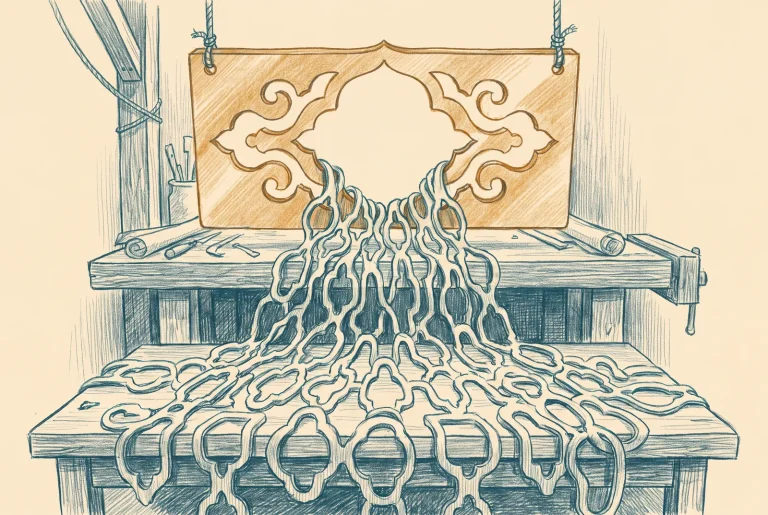
The Object Model: Definitions, Initiatives, and the Explicit Deny
A definition holds one effect, an initiative holds a parameter surface, and an assignment holds only a reference. Those three facts decide which parts of your governance stay editable and which freeze.

What Microsoft Already Ships: Reading the Catalogue
Most of the rules you are about to write already exist. Four policy types, a versioning scheme with real consequences, and a repository that tells you what changed before the portal does.

Build Sheet: Assign the Baseline and Read What It Did
Assign the security baseline Microsoft maintains, in audit, then read the result by control rather than by resource and separate what you own from what Microsoft owns.
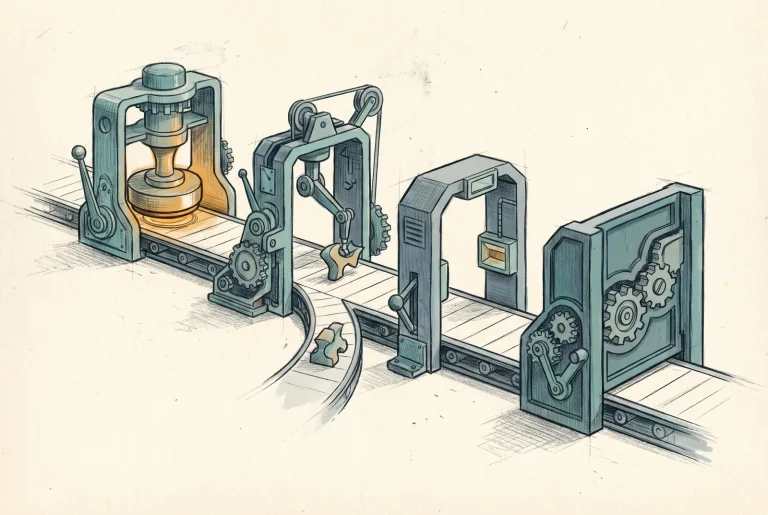
Effects: What Each One Commits You To
Eleven effects, a fixed order of evaluation, and a delete-protection effect whose cascade behaviour decides whether it protects anything at all.

Build Sheet: The Guardrail Set
Allowed resource types, working delete protection with its cascade behaviour set deliberately, and resource selectors that aim a rule at part of the estate first. The delta beyond what the Landing Zones build sheet already gave you.

Remediation: The Identity That Acts on Your Behalf
deployIfNotExists and modify are standing write authority held by a managed identity. The caller evaluates, the identity deploys, and the gap between them is where least privilege is won or lost.

Build Sheet: DeployIfNotExists and the Remediation Task
A remediating assignment built end to end: the roles read from the definition rather than guessed, an identity granted deliberately, and a remediation task with its thresholds set on purpose.

Customising What Microsoft Ships, and What the Fork Costs
You cannot edit a built-in. You can only duplicate it, and from that moment the maintenance is yours. Here is when that trade is worth making and what you owe the copy afterwards.
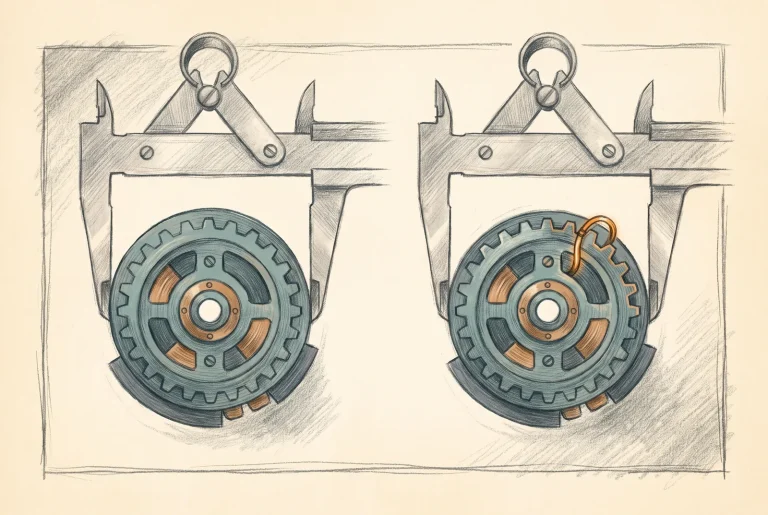
Build Sheet: Duplicate a Built-in, Change It, Track Upstream
Fork one baseline control that reports but cannot enforce, with the necessity gate in front, provenance recorded in the object, and both versions running side by side until the copy proves itself.

Writing Your Own, and When Not To
A custom definition is a maintenance commitment with no end date. The test for taking one on, the alias constraint that kills most ideas before they start, and the cases where the answer is not a policy at all.

Build Sheet: A Custom Definition From Scratch
Confirm the alias before designing anything, handle the absent-property trap on purpose, and prove one custom definition against a resource built to fail and one built to pass.

Exemptions: The Ledger of Accepted Risk
An exclusion silences a rule. An exemption records that you decided to. The difference is the only durable evidence most estates keep of the risk they have knowingly accepted.
Changing Policy Safely: Rollout Is the Job
A policy change is a production change. Enforcement mode, resource selectors, effect overrides and version pinning exist so a deny reaches your most critical tier last, on purpose.

Build Sheet: The Staged Rollout of a Deny
One deny rule walked from audit in a single region to enforced across the estate, with the compliance gate stated before each widening and the rollback written beside the step that needs it.

Compliance: What the Number Means and What It Hides
Nine compliance states, an evaluation clock that runs from five minutes to twenty-four hours, and a percentage that can rise because you stopped looking at something.

Regulatory Initiatives: What Azure Can Prove and What It Cannot
A compliance standard assigned as an initiative measures a partial view by Microsoft's own account, blends your controls with theirs, and is still formally a preview feature.

Build Sheet: Assign a Standard, Read Coverage, Attest the Rest
A compliance standard assigned and read properly: your controls separated from Microsoft's, the manual half attested with evidence and an expiry, and a coverage statement that can accompany the number.

Policy as Code: The Operating Model
Definitions in source control, assignments by pipeline, test scopes under DoNotEnforce, and an honest read on the tooling from raw export through the landing zone accelerators to EPAC.

Build Sheet: Policy in a Repository, Deployed by Pipeline
Export the estate, structure the repository, and deploy a definition change through a workflow that reads compliance before it lets enforcement flip. No framework, so the mechanics stay visible.

The Decision: What Policy Owns, and What It Should Not
Policy against RBAC, locks, deny assignments, Defender for Cloud and machine configuration. Which control answers which question, and the restraint that keeps an assignment count manageable.



