
Guide
Defender XDR
The Microsoft Defender suite from the ground up: licensing first, then the endpoint as the spine, and each workload outward to the correlation fabric that ties them together. Read a pillar end to end, or start anywhere.
Start with the whole suite
What you actually own with E5, and why XDR only exists to the degree you hold the plan levels that feed it. Read this first, then work outward pillar by pillar.

Defender for Endpoint
11 articlesThe endpoint control plane: onboarding paths, security-settings management, the protection engine, attack surface reduction, and the device-risk compliance loop. Each concept piece is paired with a reproducible build sheet.

Defender for Endpoint: The Endpoint Control Plane
There is no single act called setting up Defender for Endpoint. There are three separate acts, and most misconfigured deployments come from treating them…
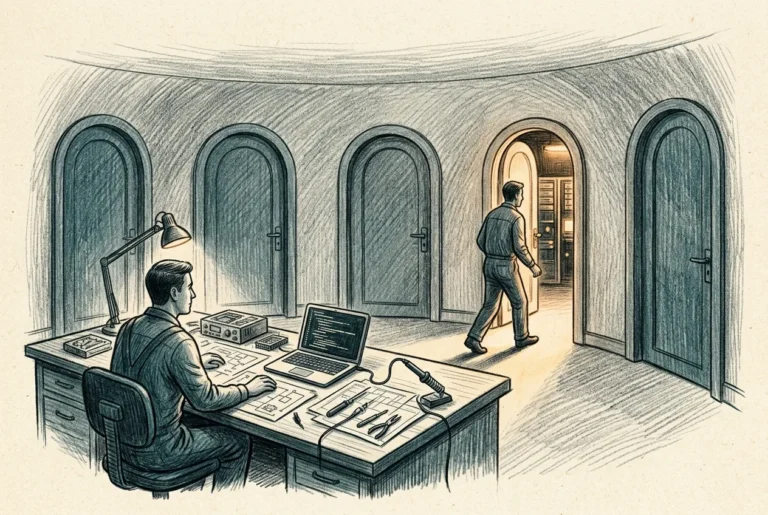
Onboarding Defender for Endpoint: Every Path and When to Use It
Onboarding is the smallest of the three verbs and the one most often mistaken for the whole job. It connects the sensor to your…
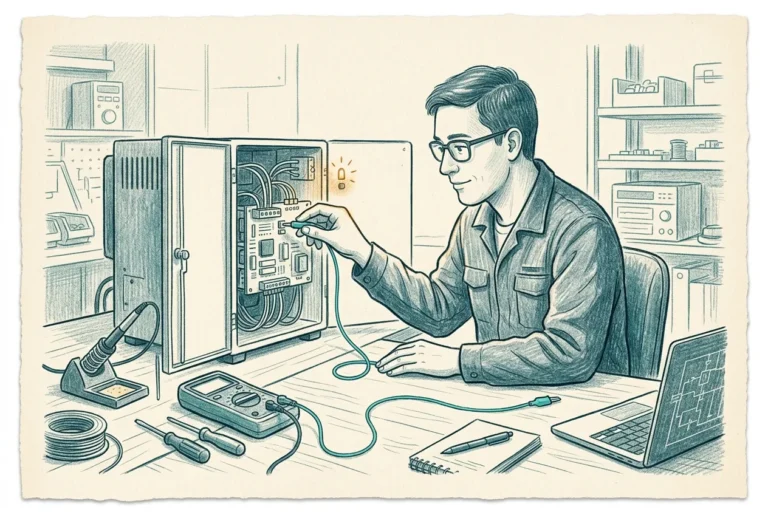
Onboarding Defender for Endpoint: The Build
The onboarding article mapped the doors a device can take into Defender and argued which one to use for which population. This is the…

Security Settings Management: Configuring MDE Without Enrollment
The awkward question the last article ended on has a precise answer. Security Settings Management is how you configure a device that is onboarded…
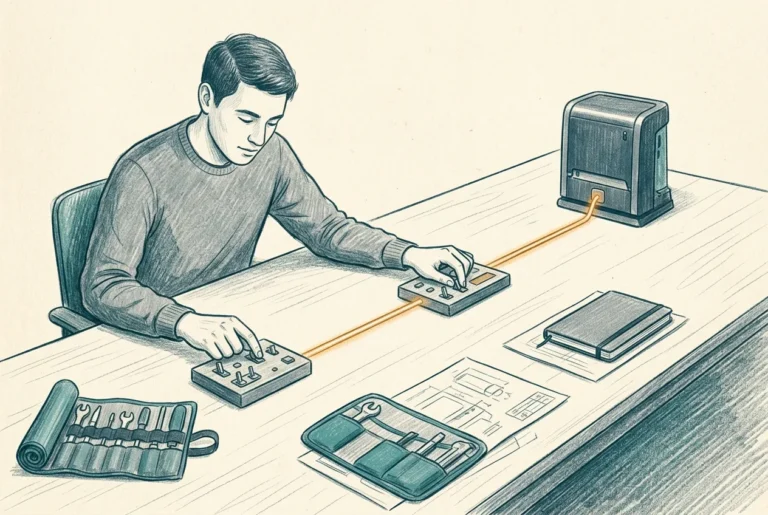
Security Settings Management: The Build
The security settings management article argued what this channel is and the one rule that governs it: an Intune-enrolled device ignores it, so it…
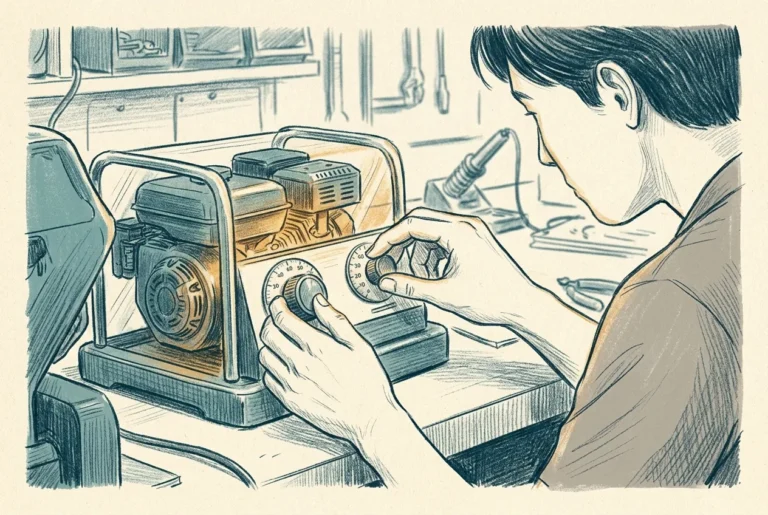
Next-Gen Protection and EDR: Tuning the Engine
A channel now points at the device, and the question becomes what it should carry. The protection engine is where most of the real…
The Antivirus Policy, Setting by Setting
The protection-engine article argued which of these settings are dials rather than switches and where each should land. This pins them. Most are a…
Attack Surface Reduction in Practice
Attack surface reduction is a family, not a feature, and it is the part of the protection stack that shrinks the ground an attacker…
The Attack Surface Reduction Policy Set
The attack-surface article argued the family and sent you to the Intune guide for the audit-to-block ladder itself. This build pins the rules to…
Device Risk, Inventory, and the Compliance Loop
Everything so far has been about making the endpoint strong. This last piece is about what the endpoint then says about itself, because a…
Wiring Risk to Access: Connector, Compliance, and the CA Gate
The device-risk article took a position: the machine risk score belongs in the access decision only for a small, high-assurance, always-reporting population, carved into…
Defender for Identity
7 articlesThe identity fabric has two ends now: sensors on the server roles, and first-class Entra and cloud detection with no sensor at all. Sensors, detections, posture, and the cloud end.
Defender for Identity: The Identity Fabric Has Two Ends
Defender for Identity is no longer the on-premises member of the suite. It has two ends now, a sensor fleet on the identity fabric and the cloud directory itself, and the licensing carries a question nobody has answered.
Sensors: One Fleet, Two Generations
You will run two generations of the identity sensor at once, and that is the supported steady state. Which machine belongs to which generation, and why the new one breaks habits carried from the old.
Build Sheet: Standing Up the Sensor Estate
The build for standing up the identity sensor estate, both generations, from an empty tenant to a fabric that audits itself and is proven to deliver a detection into the queue.
Detections and Response: Operating the Identity Alert Queue
A detection is only half a control. The other half is what you can do the moment it fires, which on this product is two different surfaces people run together at their peril.
Identity Posture: Fixing What the Sensors See
The cheapest identity attack to survive is the one your configuration never left open. The standing assessments, the honest account of what became of lateral movement paths, and an order that reflects the attacker.
The Cloud End: What Lights Up Without a Sensor
The cloud half of Defender for Identity lights up on licensing, with no workspace, no connection, and no switch. The discipline is not standing it up, it is knowing what is automatic, what you still connect, and how you confirm a surface you never had to build.

Build Sheet: Proving and Reporting on the Cloud End
The cloud end has no honeytoken test, so it is proven differently: standing checks that the surface is populated, the telemetry is flowing, and the risk exchange is compounding, run once to certify and again each quarter.
Defender for Office 365
6 articlesWhat email security became: EOP as the floor, presets that ended the custom-policy hobby, the protection stack, and the operations that never stop. Teams now sits inside the same blast radius.
Defender for Office 365: What Email Security Became
Email is still the way in, but the part you configure has collapsed into a layered platform Microsoft tunes for you. This is where authority over mail and collaboration actually sits, and what is left to own.
Policy Architecture: Presets, Precedence, and the Work That Remains
The mail policy layer is a precedence order, not a pile of settings, and the first policy to match a user wins outright. Knowing which policy speaks for whom is the whole discipline.
Build Sheet: Standing Up the Policy Baseline
A reproducible walkthrough: enable and scope the Standard preset, populate the impersonation lists by hand, carve one custom exception, and wire quarantine notifications, validated end to end.

The Protection Stack: What Safe Links, Safe Attachments, and Anti-Phishing Actually Do
Three engines do the real catching, and each hides one decision that matters more than the rest. Teams is now inside the same blast radius.
Build Sheet: Configuring the Protection Stack
A reproducible walkthrough: turn on collaboration protection and close the download door, make the Safe Links rewrite decision explicit, and set the anti-phishing engine to act, with self-tests that prove each engine is live.
Operating Mail Security: Submissions, Quarantine, and the Queue
Prevention is bought once. Operations is the part that never stops, and it is where Defender for Office 365 either earns its place or gathers dust.
Defender for Cloud Apps
4 articlesThe SaaS estate you do not manage is still your estate: discovery and shadow IT, OAuth consent governance, and session control through Conditional Access App Control.
Defender for Cloud Apps: Seeing and Governing the SaaS Estate
What Defender for Cloud Apps actually is in 2026: five durable pillars, a licensing spine with one useful asymmetry, and the file-protection pillar leaving for Purview in January 2027.
Discovery, Shadow IT, and Shadow AI: The Enforcement Loop
Discovery is only half the job. How Defender for Cloud Apps sees the shadow-IT and shadow-AI estate and turns an unsanctioned tag into a real block through Defender for Endpoint, with no infrastructure to stand up.
App Governance: The OAuth Consent Control Plane
App governance is where you see the OAuth grants your users made and switch off the dangerous ones. The consent-phishing control plane, and what it hands to identity and to the capstone.
Session Controls and Conditional Access App Control
Session control reaches inside a live browser session, but it rides Conditional Access and carries real limits. Access versus session, in-browser preview versus reverse proxy, and the two dependencies that lock users out.
Vulnerability and Exposure Management
6 articlesThree instruments measuring one estate in different directions: vulnerability management finds the weaknesses, Exposure Management arranges them into the attack paths that make them matter, and Secure Score aggregates the lot into the one number your board reads. The remediation handoff and the Exposure Management build each get their own build sheet.
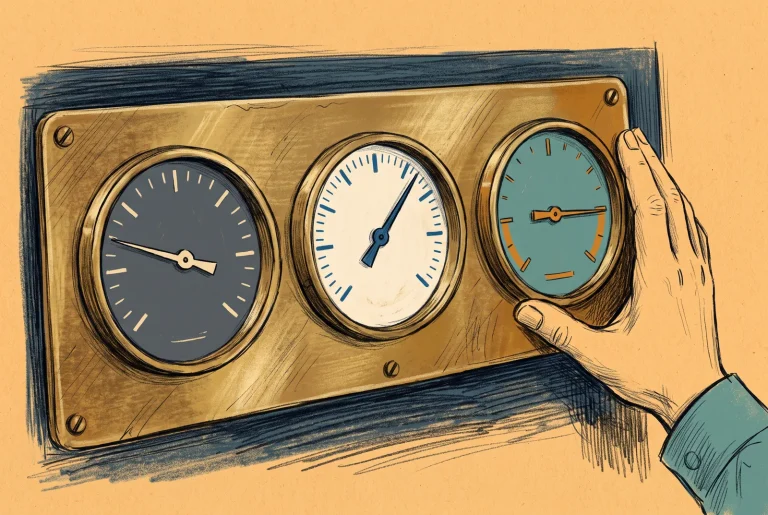
Vulnerability and Exposure Management: Three Instruments, One Estate
An E5 tenant does not own a vulnerability scanner. It owns three separate measurement systems that run in opposite directions, answer to different owners, and are calculated independently of each other.
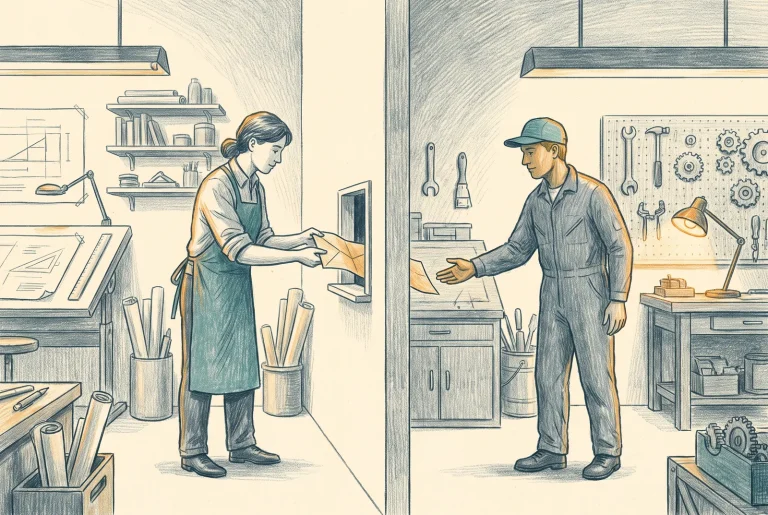
Recommendations to Remediation: Who Owns the Fix
Requesting remediation deploys nothing, changes nothing, and does not notify the person who has to act. That is the design rather than the defect, and it makes the handoff between the security organisation and the endpoint organisation the decision that actually matters.
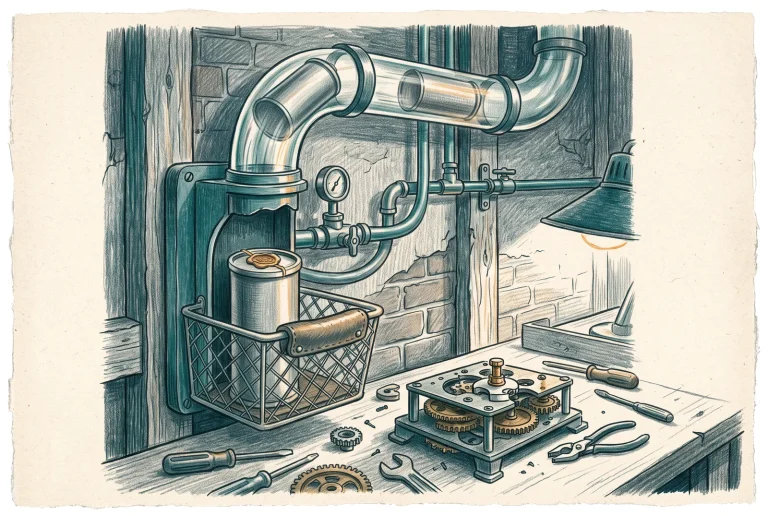
Build Sheet: The Remediation Loop from Defender to Intune
Wire the handoff end to end: the toggle that defaults to off, the request that carries a ticket into Intune, the exception you file when the answer is no, and a round-trip test that proves a finding reached a machine and came back confirmed.
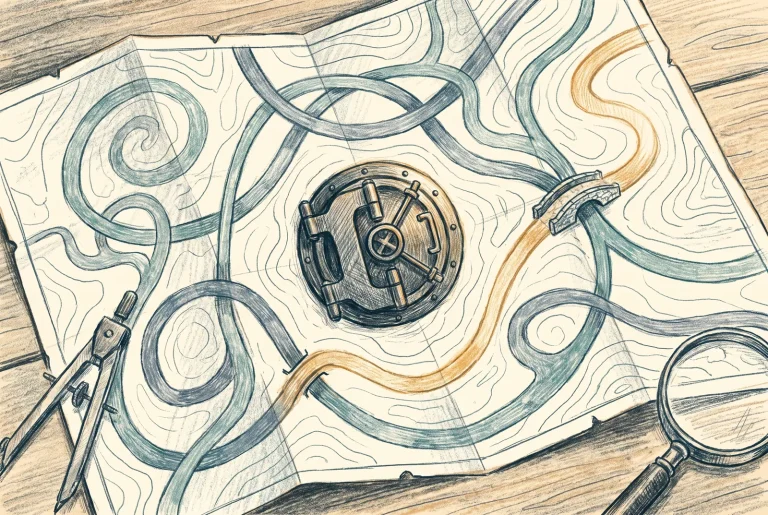
Security Exposure Management: The Attacker’s Map of Your Tenant
Vulnerability management tells you what is weak. Exposure Management arranges those weaknesses the way an attacker would use them, as routes to the assets that end your week. That reframing, not the new console, is the product.
Build Sheet: Standing Up Exposure Management
Grant the role, classify what actually matters, choose an initiative set deliberately rather than accepting a default, and prove with a query that the graph can see the asset you just told it about.
Secure Score: The Number the Board Sees
Secure Score is the only figure that aggregates every pillar into one number, which makes it a governance instrument first and a security tool second. Instruments that boards read get gamed, so the design work is deciding what your organisation is allowed to do to it.
The XDR Fabric
9 articlesThe platform layer nobody sells you separately: one portal, one permission model, one incident graph, and the hunting schema underneath all of it. Unified RBAC and the three tiers of control, the response fabric as AIR retires, the schema behind custom detections, and the two procurement boundaries at the edge. Three build sheets carry the activation, the disruption readiness check, and the path from a saved query to a running detection.
The XDR Fabric: The Platform You Actually Own
Every pillar in this series is a product you can license separately. The thing that makes them a suite is a platform layer nobody sells you, that arrives free with the first qualifying licence, and that most tenants never deliberately configure.
Authority in One Portal: Unified RBAC and the Three Tiers of Control
A tenant created last month has one permissions model in the Defender portal. A tenant created three years ago has two, and nothing will break until somebody asks what a named analyst can actually do.
Build Sheet: Activating Unified RBAC and Wiring the Fabric Settings
Import the legacy roles, build the ones you actually want, activate one workload at a time in an order you can defend, and configure the three tenant-level settings that belong to no pillar and that most tenants have never touched.
The Response Fabric: Incidents, Attack Disruption, and the End of AIR
One half of the platform's automation asks permission before it acts. The other half acts and lets you undo it afterwards. On 1 September 2026 the half that asks permission stops running for endpoint, and Microsoft has published almost nothing about what that means.
Build Sheet: Attack Disruption Readiness
Attack disruption acts without asking, so everything you get to say about it is said in advance and across six workloads. This proves each prerequisite is actually true, builds an exclusion register you can defend, and validates with the only evidence Microsoft gives you.
The Schema Is the Product: Advanced Hunting and Custom Detections
Consoles get redesigned and features get withdrawn. The thing Microsoft has built here that will outlast both is a normalised event schema across every workload, and the detections your own team writes against it are the only part of this platform you own outright.

Build Sheet: From Saved Query to Custom Detection
A saved query is a note to yourself. This takes one through the whole lifecycle to a governed detector with mapped entities, a defensible schedule, a name that survives you, and a benign end-to-end test you can actually run in a production tenant.
The Sentinel Decision: What E5 Buys and What the Workspace Adds
The question is no longer whether to buy a second product. New workspaces are born inside the Defender portal, the old experience retires on 31 March 2027, and a tenant with E5 already has an ingestion grant it is probably not using.
The Metered and the Negotiated: Security Copilot and Defender Experts
Everything else in this series is machinery you own outright. Two things are not: an artificial intelligence capacity that is metered and currently uncapped by any bill, and five human services that carry no public price at all.



