
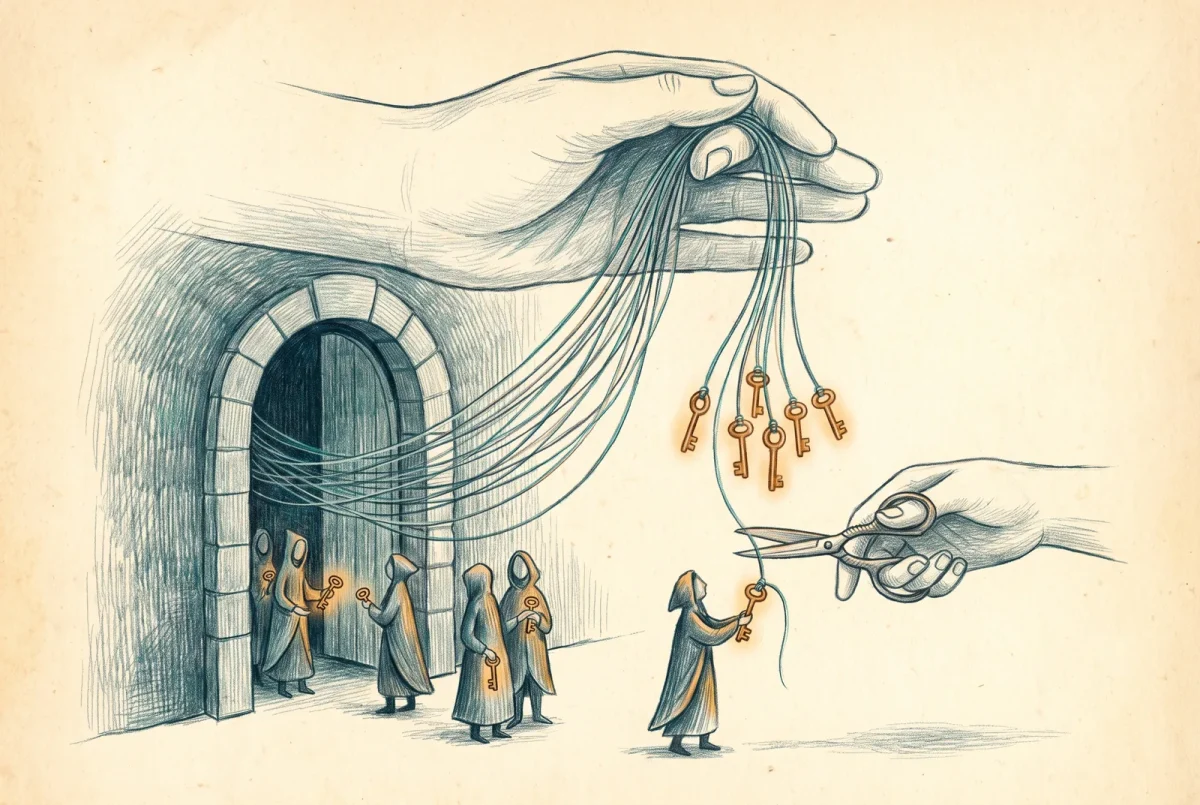
Every OAuth consent is a standing grant that outlives the moment it was made. A user clicks accept on an application asking to read their mail or their files, and from then on a token reaches into your tenant on that application’s schedule, not the user’s, whether or not the person ever opens the app again. The identity side of this platform owns the settings that decide who can grant such consent in the first place. App governance owns the other half: seeing every grant that was made, judging which ones are dangerous, and switching off the ones that are. This is the control plane for the apps your users invited in.
What it governs, and what it leaves to identity
App governance watches the OAuth applications that authenticate to Microsoft Entra ID, and now to Google Workspace and Salesforce as well, and it deliberately ignores Microsoft’s own first-party apps, because those are not the risk. It is included in the Defender for Cloud Apps license, the add-on requirement having ended in June 2023, but it is off until you turn it on, and it takes up to ten hours to populate the first time. There is a boundary worth stating clearly, because getting it wrong leads to two teams building the same control. The identity series owns consent policy: whether users can consent to apps at all, the admin consent workflow that routes risky requests to an approver, the restriction of consent to verified publishers. That is prevention, and it lives in Entra. App governance is not prevention; it is visibility and response over the grants that exist, however they came to exist. You set the front door policy in identity. You watch who already walked through it here.
The consent-phishing control plane
The attack this pillar exists to answer is consent phishing, and it does not look like an attack to the user in the middle of it. Instead of stealing a password, an adversary stands up an application, gives it a plausible name, and sends a legitimate-looking Microsoft consent prompt asking for mail and file permissions. The user consents, no credential is ever phished, no impossible-travel login fires, and the attacker now holds a durable token that survives password resets and multi-factor prompts because it never needed either. App governance is built to surface exactly this. It flags applications that are overprivileged, holding permissions they were granted but never actually use, and unused, with no sign-in in ninety days, and it shows you publisher verification status, Microsoft 365 certification, which priority accounts a given app can reach, and how much data it has moved. Microsoft also authors its own threat detections here, mapped to the ATT&CK framework and firing directly rather than waiting for a policy you wrote, for patterns like an app redirecting to a phishing URL through an OAuth vulnerability or a brand-new app with mail permissions collecting consents at a suspicious pace. The value is that these are judgments about applications as actors, not about the users who happened to consent, which is the right altitude for this problem.
No credential is phished and no login looks wrong; the attacker just holds a token the user handed over.
The kill switch, described honestly
Seeing a dangerous grant is only useful if you can end it, and app governance can, through policies that combine conditions and take action when they match. A policy is built from conditions that are all required together, the app’s registration age, whether its publisher is verified, which specific Graph permissions it holds, whether it is overprivileged, how much data it moves, which priority accounts consented, and it runs in an audit, active, or inactive mode so you can watch it before you arm it. When an active policy matches an Entra application, the automatic action available is to disable the app. For Google and Salesforce apps the equivalent actions are to mark them approved or banned. I will be careful about the mechanism, because the documentation is: the precise language about a disable also switching off the application’s underlying enterprise-application object appears on the older OAuth-apps pages, not on the app-governance policy pages, so the honest description is that app governance disables the offending app while the deeper plumbing is spelled out in the legacy experience. That legacy OAuth-apps experience, worth knowing, is not deprecated. It is simply what you see when app governance is turned off, and turning app governance on moves the same job into a richer surface rather than replacing a dead one.
Availability has a couple of edges that belong in any plan. App governance is unavailable to tenants whose billing address sits in a specific set of countries, Singapore, Poland, Italy, Qatar, Israel, Spain, Mexico, and Taiwan among them, and the documentation makes no statement at all about the government clouds, so I will not claim it works or does not work in GCC or its higher tiers; if that is your environment, verify before you promise it. The surface is also still growing. The reach into Salesforce, extending the same overprivileged and unused insights to connected apps there, is recent and still in preview, and it is the first serious extension of app governance beyond the Microsoft 365 world it started in. The direction is clear enough to plan around even while the specific Salesforce capabilities settle.
Where the kill switch hands off
One handoff is worth naming so you do not go looking for it here. When a compromised OAuth app is contained automatically, without an analyst pressing the button, that is attack disruption, and app governance is the hand that executes the disable while the correlation fabric elsewhere in the suite is what decides to. The mechanics of that automation belong to the capstone, not to this pillar; here it is enough to know that the disable action you configure is the same lever the platform pulls on its own during an incident.
App governance answers what your users consented to. Discovery, before it, answered what they adopted. Both are about applications your users brought in. The third pillar turns the question around to the applications you already sanctioned, the ones people are supposed to use, and asks what you can control while they are inside one, in real time, in the browser. That is session control, and it is the one place Cloud Apps reaches into a live session and changes what a user can do. It is powerful, it is honest about its limits, and it is where we go next.
Defender XDR
‹ Previous: [D 5.1] Discovery, Shadow IT, and Shadow AI: The Enforcement Loop
Next: [D 5.3] Session Controls and Conditional Access App Control ›



