[AF 8] The Decision: Replace, Cache, or Keep
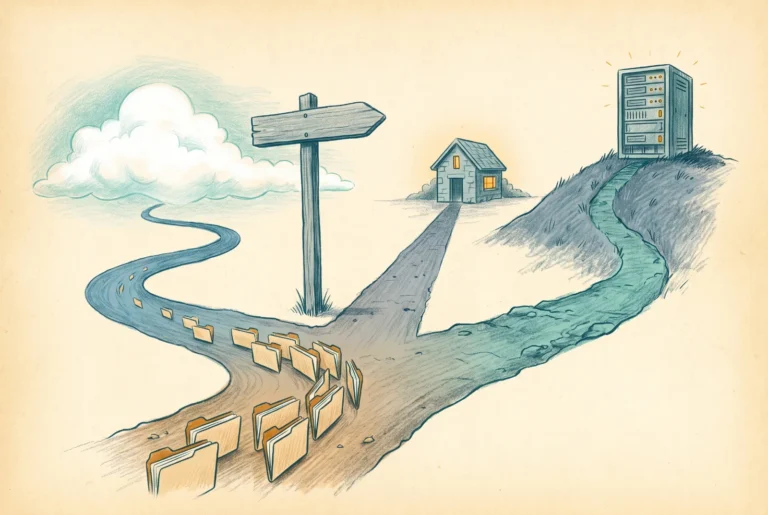
The capstone: which workloads move to Azure Files directly, which sit behind a cache, and which honestly belong somewhere else, with the criteria stated plainly enough to argue with.

The capstone: which workloads move to Azure Files directly, which sit behind a cache, and which honestly belong somewhere else, with the criteria stated plainly enough to argue with.

Vaulted backup, a snapshot schedule, soft delete verified, three alert rules, and the restore drill that turns the backup policy from hypothesis into fact.

Snapshots are not backup, vaulted backup finally is, three alerts cover ninety percent of incidents, and the geo-failover story deserves to be told without euphemism.

One server, one weekend, no DFS: the small-business migration to Azure Files, and mapping the same drive letters users have had for twenty years, by GPO, by Intune, or by plain net use.
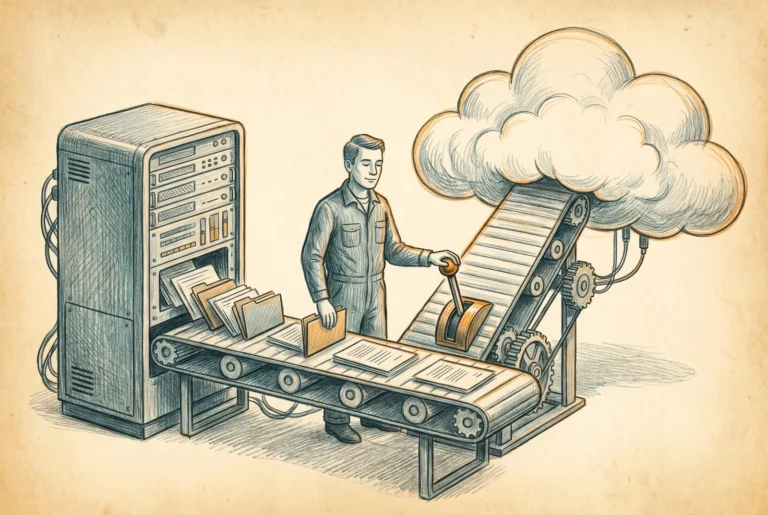
RoboCopy with the right flags, root ACLs set before the bulk copy, incremental passes, a short freeze, and a DFS-N cutover: the enterprise migration executed end to end.
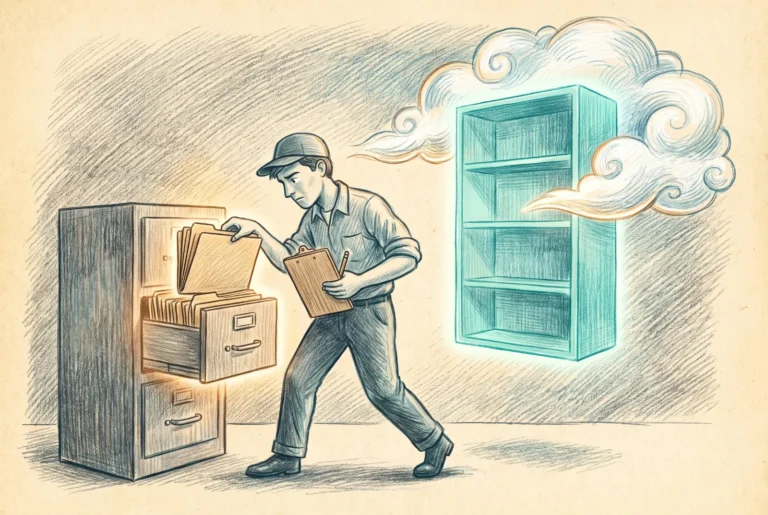
File server migrations fail on permissions and sequencing, not on copying bytes. What actually survives the move, which SIDs go dead on arrival, and the order of operations that makes cutover boring.

Storage Sync Service, agent, sync group, cloud tiering, and a DFS namespace in front: the full hybrid cache build, including the conflict test you should run on purpose.

Azure File Sync turns the file server you already own into a local cache of a cloud share. It solves latency and the port 445 problem in one move, and it has three limits you must respect.



