
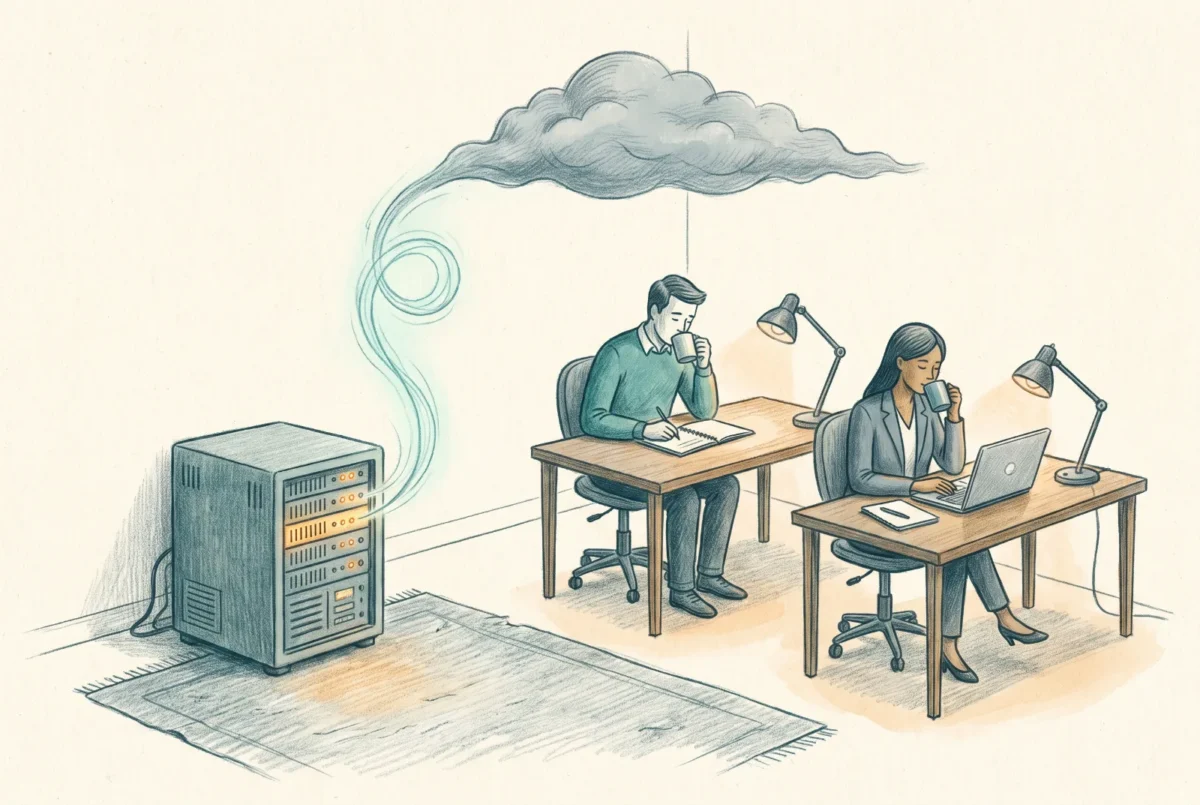

The hardest constraint in this series is not identity or security; it is the speed of light. A user in a branch office comparing your new cloud share to the server that used to sit down the hall is comparing forty milliseconds to less than one, and no amount of architecture diagrams wins that argument. Azure File Sync is how you stop having it: the cloud share becomes the authority, and the server your users already trust becomes its local cache.
The shape of the thing
File Sync is a replication service with opinions. A Storage Sync Service resource holds sync groups; each sync group binds exactly one Azure file share, the cloud endpoint and the durable central copy, to one or more server endpoints, paths on Windows Servers running the sync agent. Users never learn any of this. They keep mounting the same server by the same UNC path they always have, at LAN speed, with the same Kerberos against your AD, with access-based enumeration and auditing and every server-side behavior Azure Files itself lacks, because a real Windows Server still serves them. The server pushes and pulls changes to the cloud share over HTTPS on 443, which also means the branch’s firewall conversation is nonexistent and the port 445 reachability lottery from the networking article simply never enters the story.
Cloud tiering is what turns replication into a cache. Set a volume free space policy and optionally a date policy, and the agent replaces cold files on the server with stubs that recall from the cloud on first touch. A branch server with a 500 GB disk fronts a 10 TiB share, holding hot data locally and faulting in the rest. This is also the honest answer to premium DR economics and to several feature gaps at once, and it is why my default posture for any estate that still owns servers is not “migrate off the file server” but “demote the file server to a cache and let the cloud share become the system of record.”
Layer DFS Namespaces over the top and the design completes itself: users mount \\contoso\shares\Engineering, the namespace points at the cached server today, a different server tomorrow, the share directly for cloud-native users eventually, and no drive mapping ever changes again. DFS-N is the abstraction that makes every future migration boring, and if you take one standing rule from this article it is that new deployments should hide physical paths behind a namespace from day one.
File Sync is a replication engine, not a distributed file system. It will not lock a file in Chicago because someone opened it in Denver, and pretending otherwise is how conflict copies are born.
The three limits that must shape your design
First and above all: there is no cross-site file locking. Two users at two server endpoints can open the same spreadsheet, both save, and File Sync resolves the collision by keeping both files, renaming the loser with the server’s name bolted onto the filename. Nothing is lost and nothing is merged. For a hub-and-spoke estate where each office owns its own folders this almost never bites; for two sites actively co-editing the same directories it bites weekly, and the answer is not a setting, because there is no setting. Co-edited documents belong in SharePoint where co-authoring is real, or both sites work against one endpoint and accept the latency, or you buy the Nasuni class of global file system whose entire value proposition is the distributed lock File Sync does not have. Decide which of those you are choosing before deployment, because your users will decide by incident afterward.
Second: changes made directly against the cloud share, through the portal, a script, or a cloud-native user on a direct mount, are discovered by servers on a detection cycle that runs once every 24 hours. Server-side changes sync promptly; cloud-side changes crawl back to the branches. If your design has both direct-mount users and cached servers writing the same folders, a day of invisibility is part of the contract, and an operator restoring a file “into the share” needs to know the branch will not see it until tomorrow unless someone runs the change-detection cmdlet deliberately. The build sheet makes that cmdlet part of the runbook.
Third: tiered stubs are landmines for software that reads everything. An on-prem backup agent, an aggressive AV scan, or an indexer pointed at a tiered volume recalls the entire share through the WAN, fills the local disk, and hands you an egress bill as a souvenir. The standing rules: back up the cloud share, never the server endpoint, once tiering is on; use AV that honors the recall attribute, as current Defender does; and treat any full-volume crawl as a change to be reviewed. Alongside these three limits sit the quieter numbers that size the design, roughly thirty server endpoints per server as the ceiling, memory scaling with items synced, and the practical guidance to keep a sync group’s namespace in the low tens of millions of items; big estates shard across sync groups on purpose.
Cache as destination, cache as vehicle
Two postures use the identical machinery. For the branch-office estate, the cache is the destination: servers stay forever as edge appliances, cloud tiering shrinks their disks, the cloud share carries the backup, and the migration off Windows Server hardware happens per-site, quietly, at refresh time. For the estate headed fully cloud-native, the cache is the vehicle: stand up sync on the existing server, let the namespace replicate while users feel nothing, cut DFS-N over to the direct share when identity and networking are ready, and remove the server endpoint last. Both stories start with the same build, which is exactly what the next article does: agent, sync group, tiering policies, DFS-N in front, and the conflict-file demonstration everyone should run once on purpose before a user runs it for them by accident. Since the fee waiver arrived in January 2026, servers under Software Assurance and connected through Azure Arc run the agent at no per-server charge, which removed the last line-item objection to caching every branch you still own.
Azure Files
‹ Previous: [AF 4] Paying for Azure Files: Provisioned v2 and the End of the Transaction Lottery
Next: [AF 5.1] Build Sheet: File Sync with DFS-N, End to End ›



