
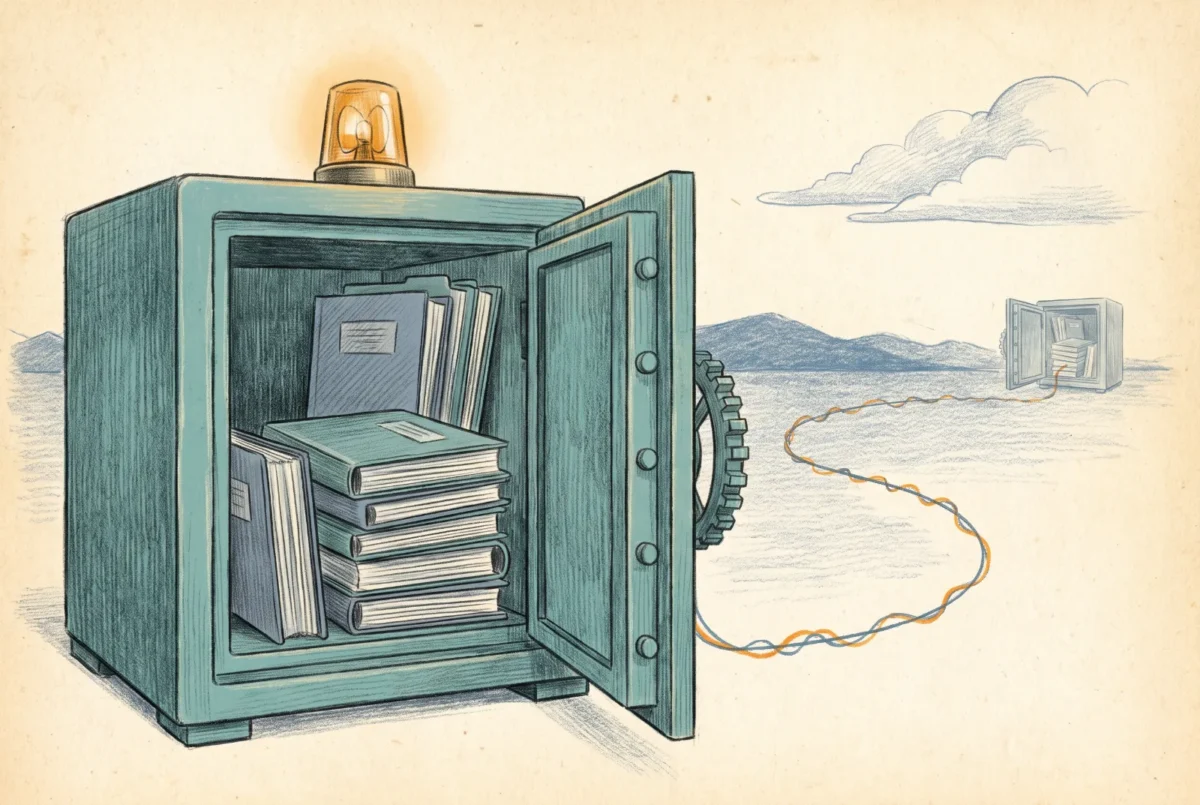

A file share is the most operationally boring workload you will ever run in Azure, right up until the day it is not: the ransomware event, the deleted folder discovered three weeks late, the Monday the region has a bad morning. Operating Azure Files well means having already decided, on a calm day, what protects the data, what wakes you up, and what actually happens when a region fails, because two of those three are worse than the marketing implies and all three are manageable if chosen deliberately.
Protection is a ladder, and snapshots are the bottom rung
Share snapshots are the platform’s native undo: differential, near-instant, up to two hundred per share, and surfaced to users through the Previous Versions tab exactly as on the file server they left, which quietly returns self-service restore to the help desk’s cheapest tier. I schedule them and I value them, and they are not backup. A snapshot lives with its share; delete the share and the snapshots die with it, compromise credentials with enough privilege and an attacker deletes both. Soft delete on the share is the second rung, a recycle bin against accidental or malicious share deletion, on by default and worth verifying rather than trusting. The rung that changed the game is vaulted backup, GA since 2025: Azure Backup copies the data into a Recovery Services vault, offsite from the storage account, out of reach of any credential that owns the share, with retention up to ten years and, on a vault configured for geo-redundant storage, cross-region restore. That last clause is load-bearing and easy to miss: cross-region restore is only available on a Recovery Services vault using GRS replication, it is enabled on the vault before the first protected item and cannot be reverted afterward, and it applies to vaulted backups only, so a snapshot-tier policy or a ZRS vault gives you no cross-region story at all. Decide it on day one or accept that you have not got it. That is a real, isolated backup, the thing this platform lacked for its first decade, and it converts the ransomware conversation from “our snapshots were deleted too” to “we restore from the vault.” My standing arrangement: daily vaulted backup with retention matched to the compliance calendar, snapshots riding alongside on a tighter schedule for fast operational restores, soft delete confirmed on. The one honest caveat on the vault tier is cost at scale, a protected-instance fee plus vault storage that a large estate should price before promising, which is [AF 4] arithmetic applied to sleep quality.
One inherited habit needs killing on arrival: pointing an on-prem backup agent at the share, or worse, at a File Sync server endpoint with tiering enabled, where the agent recalls the entire cloud tier through the WAN in a single night. The share is backed up in the cloud, at the share. The server, where one remains, is a cache, and caches are not backup sources.
Snapshots protect you from users. Vaulted backup protects you from attackers and from yourself. Only one of them survives the deletion of the storage account.
Three alerts cover almost everything
Azure Files emits its telemetry through Azure Monitor, and the signal-to-noise decision is yours. Three alerts have paid their rent in every estate I run. The first is throttling: when a share exhausts its provisioned IOPS or throughput, the platform does not fail requests, it stretches them, and users experience molasses without a single error in any log they can see. The transactions metric, dimensioned by response type, names the condition precisely, and an alert on the throttling response types is the difference between “we saw it at 9:05” and a morning of it’s-slow tickets. The remedy is the [AF 4] design working as intended: raise the IOPS dial, a rate change applied in minutes, not a migration. The second is capacity against provisioned, at eighty percent, because a share that fills stops writes with an error Windows renders unhelpfully, and because on provisioned v2 the snapshot overflow meter starts billing quietly once live data plus snapshot deltas outgrow the provisioned size; one alert covers both the outage and the invoice. The third is backup job health from the Recovery Services vault, because a backup that has been failing for six weeks is indistinguishable from no backup at the exact moment the distinction matters. Beyond the three, end-to-end latency minus server latency tells you whether slowness lives in Azure or on your network path, which ends the wrong argument early; and the sign-in and audit story remains the platform’s soft spot, request-level storage logs rather than true file-level auditing, with the honest fix still being a File Sync server in the path where audit trails are a hard requirement.
The DR story, without euphemism
Here is the paragraph the pricing page does not write. Geo-redundant storage for Azure Files exists only on HDD media; SSD shares have no geo option at all, and a premium estate’s regional DR is something you build yourself, with File Sync replicating to a second region or a scheduled copy job, or accept as a risk in writing. Where GRS exists, replication is asynchronous with a last-sync timestamp and no SLA on lag, meaning a real failover loses the tail of recent writes, typically minutes of them, and you should say the word “loses” out loud in the DR review rather than the word “seamless.” Failover itself is customer-initiated, drops every open handle so every client remounts, lands the account as locally-redundant in the new region until you re-enable geo, and, the detail that surprises architects who read only the storage documentation: it does not carry your scaffolding. Private endpoints, DNS steering, and the identity plumbing do not fail over with the account, and an estate that reaches its shares through [AF 3.1] networking has a DR runbook exactly as long as that build sheet. File Sync adds its own clause, because the Storage Sync Service fails over by support ticket, not by button. None of this is a reason to avoid the platform; it is a reason to write the runbook on the calm day. And for the majority of estates, the uncomfortable truth is more comforting: the scenario that will actually hurt you is not the region fire, it is the ransomware event and the deleted directory, and the vault handles both, in your region, with a tested restore. Which is why the build sheet that follows makes you run one: a backup policy is a hypothesis, and only the restore drill turns it into a fact.
Azure Files
‹ Previous: [AF 6.2] Build Sheet: The Small-Shop Cutover and the Old-Fashioned Drive Map
Next: [AF 7.1] Build Sheet: Data Protection and Alerts ›



