
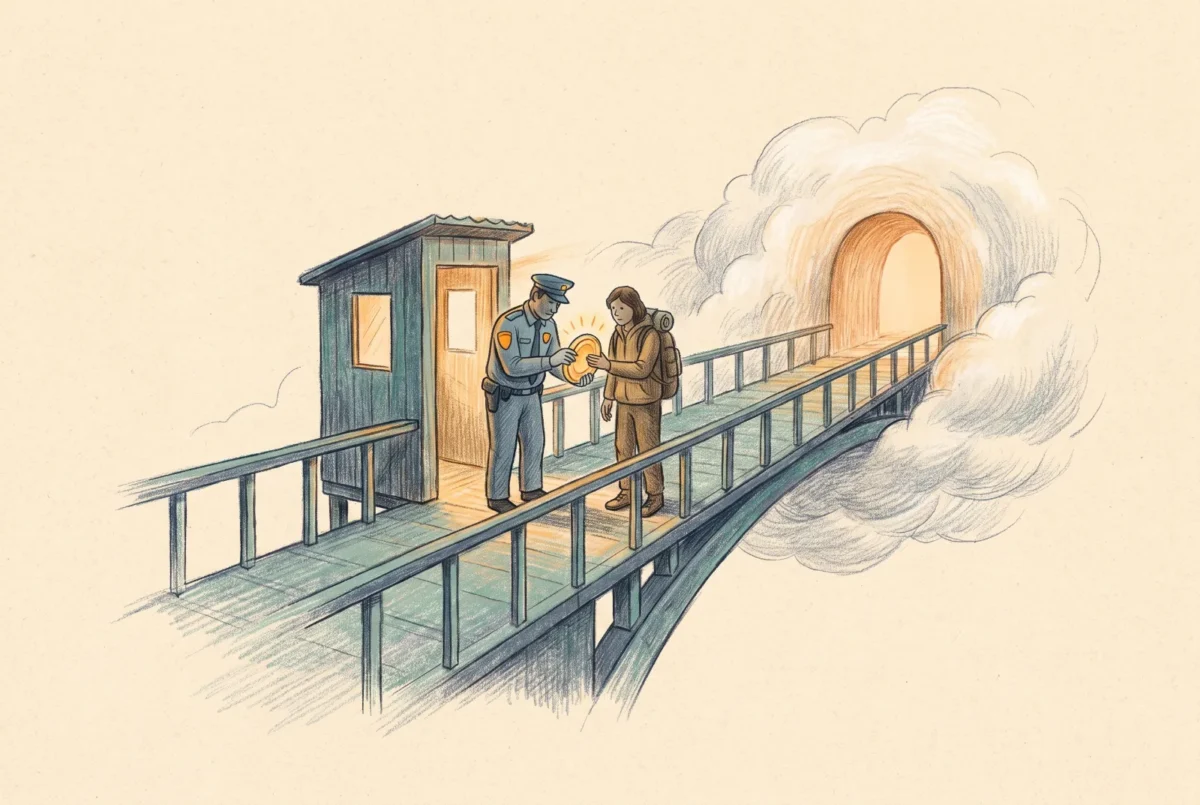

By the end of this build sheet a remote laptop with no VPN client mounts your Azure file share from anywhere, over a tunnel that opened only after Conditional Access evaluated the user, the device, and an MFA challenge. This is the compensating control the identity build sheet owes you: SMB itself cannot do MFA, so MFA moves to the network path that carries it.
Prerequisites: the private endpoint build from [AF 3.1] (this pattern publishes the private endpoint; the public endpoint stays closed); Microsoft Entra Private Access licensing (part of the Global Secure Access suite) for the users in scope; a Windows server or VM inside the VNet, or on a network routed to it, to host the Private Network Connector, with outbound 443 to the GSA service; the Global Secure Access client deployable to test devices via Intune; Entra roles to create enterprise applications and Conditional Access policies. One honesty note before you spend an afternoon: publishing generic SMB file servers through Global Secure Access is first-party documented; this specific pairing with an Azure Files private endpoint is a community-proven pattern rather than a Microsoft-walkthrough scenario. It works, but validate in your tenant before you promise it to anyone, and treat this sheet’s end-to-end test as mandatory.
Step 1: Place the Private Network Connector
The connector is the broker’s foot inside your network: a lightweight agent on a Windows server that receives tunneled client traffic from the GSA service and forwards it to the target, here the private endpoint IP. Install it on a VM in the VNet (or a peered/routed network) that can reach the private endpoint on TCP 445; a small B-series VM is fine for a pilot, and production gets two connectors in a connector group for redundancy. Download the connector from the Global Secure Access area of the Entra admin center, install, and confirm it registers healthy in its connector group. Name the group for its network, not its workload: cg-hub, because it will end up serving more than files.
Validation before continuing, from the connector host: Test-NetConnection stvciofiles01.file.core.windows.net -Port 445 must resolve to the private endpoint IP (the VNet’s private DNS zone does this if the host is in the VNet) and succeed. If the connector host cannot reach the share, no client ever will; fix this here, not later.
Step 2: Publish the share as a Private Access application
Create a per-app Private Access application (a Global Secure Access enterprise application) whose application segment is the share’s FQDN on port 445:
| Setting | Value | Why |
|---|---|---|
| Application name | PA-AzureFiles-stvciofiles01 | The CA policy and audit logs will reference this name; make it say what it fronts. |
| Connector group | cg-hub | The brokers that can reach the private endpoint. |
| Application segment: destination | stvciofiles01.file.core.windows.net (FQDN) | Publish by FQDN, not IP, so the connector’s own DNS resolves it to the private endpoint and the segment survives an IP change. |
| Application segment: port/protocol | 445, TCP | SMB only; do not publish broad ranges from a file-access app. |
| Assigned users/groups | AZF-Pilot-RW, AZF-Pilot-RO | Reuse the share’s access groups; network reachability tracks the same membership as the RBAC gate. |
Assigning the same groups that hold share RBAC is the quiet elegance of this pattern: joining AZF-Pilot-RW grants a user the RBAC gate, the ACL evaluation, and the network path in one membership, and removing them severs all three.
Step 3: Put Conditional Access in front of the tunnel
Create a Conditional Access policy targeting the Private Access application PA-AzureFiles-stvciofiles01: include the two access groups, require multifactor authentication, and require a compliant device if Intune compliance is in force in your estate. This policy is the entire point of the build. The storage account’s own app remains excluded from MFA policies (the [AF 2.1] exclusion stands, because the Kerberos flow still cannot answer a challenge); the tunnel in front of it is where the challenge happens. Name the policy within your CA framework’s convention and cross-reference the exclusion’s documentation to this policy, so the next auditor reads the pair as one design: exclusion here, enforcement there.
Step 4: Deploy the client and scope the traffic
Deploy the Global Secure Access client to the test devices through Intune and enable the Private Access traffic forwarding profile for the users in scope. The client captures traffic destined for published segments and carries it to the broker; everything else takes the normal path. Failure mode worth knowing now: if the device also has the [AF 3.1] conditional-forwarder DNS view (a laptop that roams into the office), the GSA client’s capture takes precedence for the published FQDN while active, and when the client is disabled on the corporate LAN the private endpoint path serves it instead. Test both states; that is the roaming story working as designed, but it surprises people who expected one path.
Step 5: The end-to-end test
From a remote network that blocks 445 (a phone hotspot is perfect for once), on an Entra-joined device with the GSA client signed in:
# 1. Prove the raw path is closed: with the GSA client PAUSED

Test-NetConnection stvciofiles01.file.core.windows.net -Port 445   # expect FAIL

# 2. Resume the GSA client, trigger the tunnel
net use Z: \\stvciofiles01.file.core.windows.net\pilot
klist get cifs/stvciofiles01.file.core.windows.net
Expected sequence: the paused-client test fails (hotspot blocks 445, public endpoint is closed anyway); with the client active, the mount triggers an interactive sign-in if the CA policy’s MFA has not been satisfied this session, then completes; klist shows the same cloud-realm Kerberos ticket as always, because the tunnel changed the transport, not the authentication. Confirm enforcement from the other side: the Entra sign-in logs show the Private Access app with the CA policy applied and MFA satisfied, and removing the test user from AZF-Pilot-RW kills both the tunnel authorization and the share gate within token lifetime. If the mount hangs with the client active, work the chain backward: connector host reachability (Step 1’s test), segment FQDN/port exactly right, user actually assigned to the app, and the CA policy not blocking silently.
What you now have is the arrangement the doctrine article argued for: cryptographically sound SMB, identity from Entra, and the one thing the protocol could never give you, a second factor and a device check standing between the internet and your file share. Third-party SASE platforms implement the same shape with different nouns; if your estate runs one already, map this sheet’s segments and policies onto it rather than running two brokers. The on-premises mirror of this build, a domain-joined file server and a jump host reached through Private Access connectors rather than a private endpoint, is [GSA 4.2]. The next article changes the subject from paths to price.
Azure Files
‹ Previous: [AF 3.1] Build Sheet: Private Endpoint, DNS, and the Locked-Down Share
Next: [AF 4] Paying for Azure Files: Provisioned v2 and the End of the Transaction Lottery ›



