
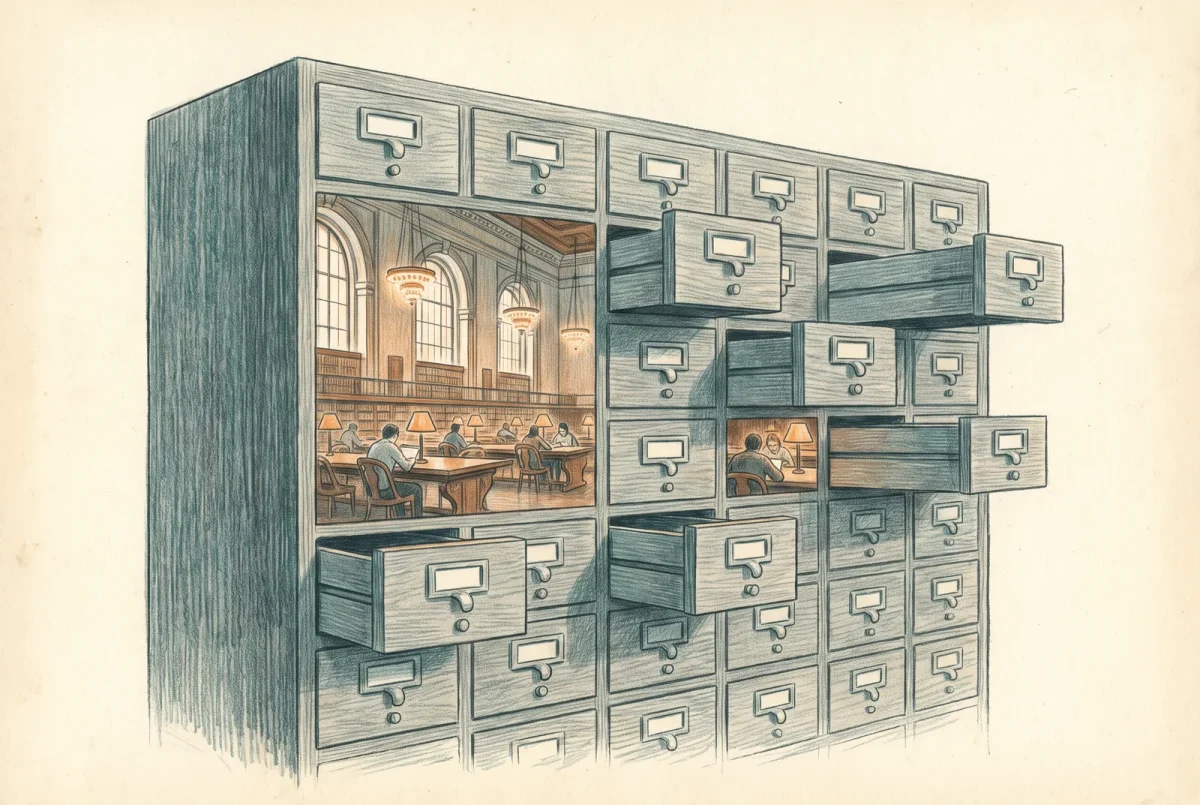
Ask what a security platform is and most people describe a console. Consoles are the least durable thing a vendor ships, and the response fabric article closed on two capabilities that vanished from the documentation without anyone announcing it. What survives that churn is a normalised event schema spanning every workload in the suite, in a single query space, where joining endpoint process data to mail delivery data to a directory sign-in is an ordinary thing to write rather than an integration project.
One query space, and what is actually in it
The schema covers the endpoint estate and its vulnerability inventory, mail and collaboration including Teams messages, identity from both the directory and the on-premises sensors, software as a service activity and application registrations, sign-in events from Entra ID, audit events from the Graph interface, multicloud data from Defender for Cloud, the alert and evidence tables that every product writes into, the exposure graph as nodes and edges, data security events projected in from Purview, and, since this year, artificial intelligence agents as first-class assets. That last one is worth pausing on, because a schema that gained a table for a category of asset nobody was securing eighteen months ago is a schema that is being extended rather than maintained.
Read that list with a sceptical eye and the honest picture is more mixed than the marketing. A substantial minority of these tables carry a preview marker, including the behaviour tables, the campaign and malicious content tables, the disruption events table and both agent tables. Some of them have been in preview for a year. Microsoft’s own pages disagree in places about what is generally available: the June announcements declared several cloud tables and the disruption table generally available while the schema reference still marks them preview. None of that stops you querying them. It should stop you writing a control document whose evidence is a preview table, and it should make you check the marker rather than assume, because the marker is what tells you whether the columns can change under your saved queries.
There is one genuine boundary inside the schema that surprises people, and it is worth knowing before you design detections around it. The vulnerability management tables are not ingested into Microsoft Sentinel. They are exposed there for schema visibility so that queries validate and autocomplete works, and they return nothing. A detection written against them in a Sentinel context does not fail loudly; it succeeds and finds nothing, forever. That is the worst failure mode a detection can have.
What populates it is deployment, not licensing
People ask which licence unlocks which table, and I want to be precise about this because the honest answer is uncomfortable. Microsoft publishes no consolidated per-table licensing page. Two tables carry an explicit licence statement, the Entra sign-in events table and its service principal counterpart, both of which require Entra ID P2 to collect and view their activity. Everything else is documented as a deployment dependency rather than an entitlement, using a standard sentence to the effect that if you have not deployed the service, queries against the table will not work or return results.
That distinction is the same one the response article made and it has the same consequence. The schema fills in proportion to what you deployed, and a tenant with a broad licence and a narrow rollout has a wide schema with empty tables in it. If somebody hands you a per-table licensing matrix, ask where it came from, because it did not come from Microsoft.
Every table in this schema exists whether or not anything writes to it. Autocomplete is not evidence of coverage.
Thirty days, and the shape of the decision that follows
The hunting window is thirty days. That is the number that matters operationally, and it is a different mechanism from the portal retention figures discussed in the anchor, which is why the two get confused so often. A hundred and eighty days of portal visibility for endpoint, identity and cloud apps data, against thirty days of queryable history for everything, are both true statements about the same product, and only one of them helps you during an investigation of something that started in the spring.
Thirty days is a design constant rather than a limitation to complain about. Detections are cheap to run continuously and expensive to run retrospectively, so a platform that assumes you detect in near real time and investigate within a month is making a defensible architectural choice. The moment you need longer, the answer is a workspace, because the retention lives on the Sentinel tables and the schema extends over them once one is onboarded. There is a behaviour underneath that which decides whether a result is trustworthy. Where data is streamed to a workspace, a time constraint expressed inside the query resolves against the streamed copy and its longer retention, and returns an incomplete set without saying so. That is another quiet-wrong-answer failure, and it is the kind of thing that only shows up when somebody checks a finding by hand.
The limit that shapes behaviour is compute rather than result size. There is a tenant level allocation of query compute, evaluated on a fifteen minute cycle and again daily, with a warning at ten percent consumption and outright blocking at a hundred, which is the mechanism that makes one badly written scheduled query everybody else’s problem. The row, size and duration ceilings differ between the portal and the programmatic interface, which the anchor sets out; what follows for design is that a query developed interactively and then scheduled through code inherits a boundary its author never met.
Custom detections are the part you own
A saved query is a note to yourself. A custom detection is a detector: it runs on a schedule or continuously, it maps columns to entities so the resulting alert has real assets attached, it feeds the same correlation engine that builds incidents from Microsoft’s own detections, and it can take response actions of its own. That is a meaningful transfer of capability. Every product detection in this suite is Microsoft’s intellectual property and arrives and leaves on their schedule. Every custom detection your team writes is yours, expressed in a query language that is not proprietary to security, against a schema that is documented.
The response actions are where this stops being a reporting feature. A custom detection can isolate a device, quarantine a file, mark a user as compromised, disable an account or force a re-authentication, and delete mail from mailboxes across the organisation. Some of those require particular columns to be present in the results, which is a build sheet concern, but the architectural point is the one I would raise with any security leader: the permission to write a query and the permission to isolate a device are one wizard apart. Somebody who can author a detection can build a detector that isolates devices at three in the morning without anybody approving each action.
The capability is worth granting. It is worth granting after the authority work rather than before it, which is why this article sits where it does. The governing permission is a specific one, granted separately from general settings management precisely so that detection authorship can be delegated without handing over the portal, and an estate that has not activated the unified model cannot express that separation at all.
What to build, and what not to
The discipline that separates a useful detection library from a noisy one is a single rule: write detections that fill the gaps between products, not detections that re-implement what a product already does. The suite already detects malware on endpoints, phishing in mail and anomalous sign-ins. A custom detection that does any of those competes with a better-resourced detector and loses. What the products cannot do is know your estate. They do not know that this service account never signs in interactively, that nobody in finance should be running remote administration tooling, that these fourteen servers are the only ones permitted to reach that database, or that a particular internal application has a deployment pattern which looks exactly like lateral movement. Microsoft cannot ship any of those, because each one is a fact about your organisation rather than about attacker behaviour. They are also the cheapest detections you will ever write.
The second discipline is ownership, and it is the one that decays. A detection library accumulates. Somebody writes a rule for an incident in 2024, the incident closes, the rule keeps running and keeps firing, and two years later an analyst is triaging alerts from a detector whose author has left and whose purpose nobody can reconstruct. The platform now gives you the tooling to see this: the detection rules page is a single inventory covering custom detections and, where a workspace is onboarded, Sentinel analytics rules alongside them, with last run and next run and status; and a query resources report shows thirty days of compute consumption per query, broken down by whether it ran in the portal, in a custom detection or through the interface, with a state that includes throttled. Tooling is not governance. Somebody has to own the review, and the naming convention that makes the review possible is worth more than any individual rule.
Is this a SIEM, and does the question matter
I will answer this directly rather than hedge, because the hedged version has wasted a lot of people’s time. What you have here is a detection and response platform over first-party telemetry with a thirty day window. What a security information and event management system gives you is arbitrary source ingestion, long retention, and orchestration. Those are different products solving different problems, and the reason the boundary feels blurry is that Microsoft has been deliberately dissolving it: the workspace tables appear in the same query space, custom detections run over both datasets, and the console is the same console.
So the useful question is which of those capabilities you actually need. If the answer is first-party signal within thirty days, with detections that act on it, you already have that and you do not need to buy anything. If the answer includes a firewall, a network device, a line of business application, a compliance retention requirement, or automation across systems that are not Microsoft’s, you need the workspace and the argument has become a cost engineering exercise rather than an architectural one. That is the Sentinel decision, two articles on, and it now has a date attached to it.
The schema is durable, which is not the same as static
I have called this the durable asset and I mean it relative to consoles and features, not absolutely. The last year gives three worked examples of how it moves, and they did not cost the same. In February, boolean values in query results changed from numeric to textual, from one and zero to true and false. That is a small, sensible correction which broke every script, playbook and integration that parsed the old form, and Microsoft said so plainly in advance. In December the beta sign-in tables were replaced by permanent ones. Queries saved inside the portal and the custom detections built on them were renamed automatically; what broke was everything outside it, meaning queries called through the programmatic interface and queries saved wherever your team actually keeps them. And the agent inventory table was renamed this year with a migration deadline that has now passed, while both the old and new names are still listed in the schema reference.
A schema change that improves the data is still a breaking change for everything downstream that parses it. Booleans stopped being numbers in February and nothing you own was consulted.
The interfaces move too, and on longer notice. The legacy hunting interfaces stop returning data on 1 February 2027, with Microsoft Graph as the strategic replacement, and the legacy alerts interface retires sooner than that, at the end of August 2026. Anything in your estate calling either has a migration with a date on it, and the date is published, which is more than can be said for some of the changes in the response fabric article.
The design consequence is that a detection library behaves like code and fails like code. It has an owner or it decays, it needs to be searchable when a column changes, and the integrations parsing its output are what a schema improvement breaks. That is the ordinary discipline of depending on somebody else’s data model, and it is worth saying because security teams apply it to their code and routinely not to their detections.
Where this leaves you
The schema is the mechanism by which the exposure work in the exposure block and the endpoint telemetry tuned in the detection engine article become queryable against each other rather than sitting in separate dashboards, which is the practical reason these pillars are worth deploying together.
What that requires in practice is that somebody treats detection authorship as an owned lifecycle rather than as a series of one-off queries, which is a staffing decision before it is a technical one. The lifecycle itself, with a benign worked example you can run against a production tenant and the interface path for anyone who wants their detections in source control, is the build sheet.
Defender XDR
‹ Previous: [D 7.2.1] Build Sheet: Attack Disruption Readiness
Next: [D 7.3.1] Build Sheet: From Saved Query to Custom Detection ›



