
By Stage 3 the early cohorts are cloud-native and the laptops are following, but the network is still full of things those laptops reach for: shares on a file server, queues on a print server, certificates from an internal authority, a Wi-Fi that authenticates against the domain. These are the services the domain was quietly underwriting, and this stage moves each one to a replacement that needs no directory behind it. Most of the detail lives in other series on this site, because the file server and the certificate authority each earned their own deep treatment. What this article owns is the map: which service goes where, which move is clean, and the one replacement where the honest answer is that Microsoft never built it.
The file server is a set, not a swap
The instinct is to look for the one thing that replaces a file server, and there isn’t one, because a file server was never one thing. It held departmental shares, personal documents, roaming profiles and archives all on the same box, and they part ways here. Personal documents go to OneDrive, and if you moved known-folder redirection off FS01 during Stage 2 as that stage recommends, most of them are already there. Team and departmental shares go to SharePoint document libraries when the content is collaborative, which is most of it, or to Azure Files when what you need is a genuine SMB file share that maps as a drive. Archives that nobody edits but somebody must keep go to Azure Files cool or Blob storage, priced for the access pattern they actually have, which is none. The Azure Files series on this site argues the full decision and the migration mechanics; Stage 3 only needs you to make the split, share by share, using the inventory from Stage 0 that already told you which shares are in use.
The change that makes this a destination rather than a bridge is recent and worth stating precisely. Azure Files now supports SMB shares authenticated by Entra identities with no Active Directory, no sync and no managed domain controllers required, and it is generally available as of mid-2026. That is the sentence that turns the file server from a thing you rehost into a thing you retire, because the share no longer needs a directory to decide who you are. For a cloud-only user, access is governed by cloud role assignments and the file and folder permissions are managed through the Azure portal or PowerShell rather than the familiar right-click editor, because File Explorer and icacls do not yet speak for cloud-only identities, which is a small operational adjustment rather than a barrier. One honest boundary: if you keep File Sync in the picture as a cache for a share that has to stay fast on the local network, a sync group will accept a server that is not domain joined, but the job this reader keeps it for, a local cache serving domain ACLs to domain users, assumes one, so in that role File Sync is an anchor that keeps a domain alive rather than an exit from it. Use it where you need the local cache, and put a date on it.
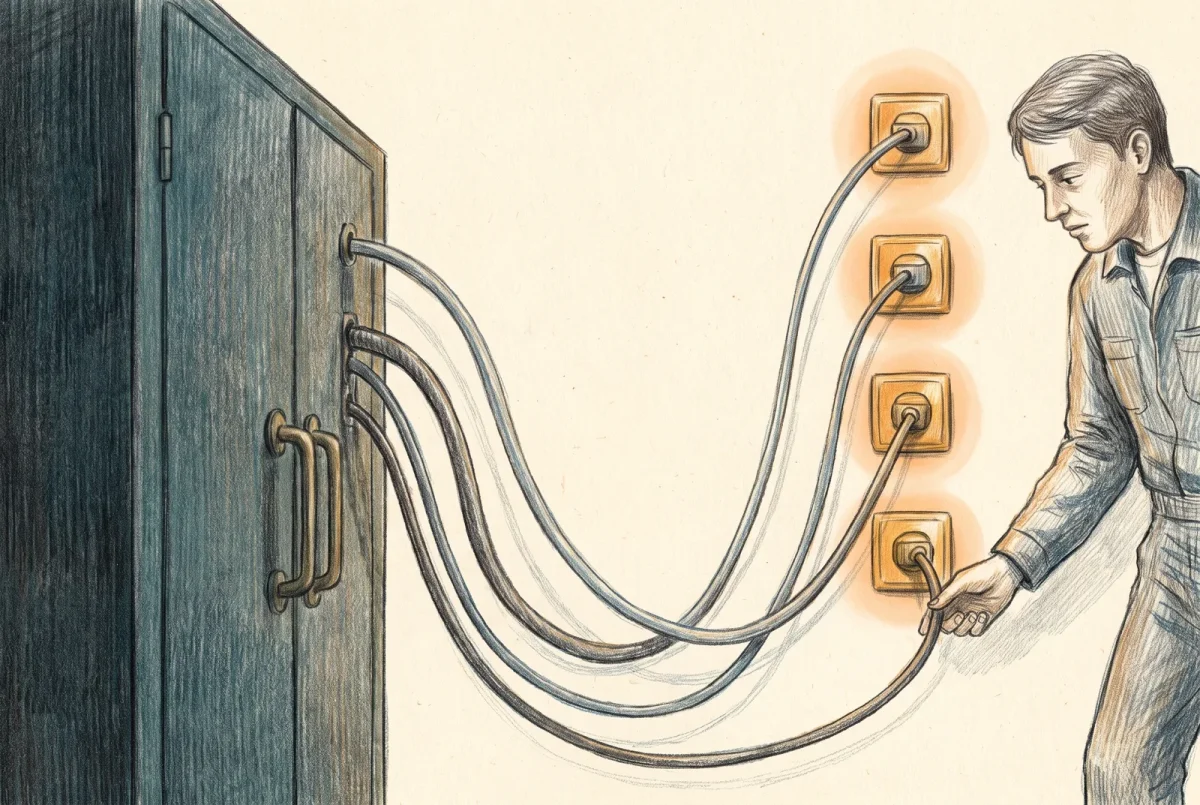
Microsoft ships no cloud RADIUS. When the domain goes, the box that decided who was allowed onto your wireless has nothing left to ask.
Print, and the scan-to-share afterthought
Print is the easy one. Universal Print is a cloud print service included in the licensing this reader already holds, with a pooled monthly job allowance that at this size is more than the company will use. Printers that support it connect directly; older printers reach it through a small connector running on any Windows machine, which is a stepping stone rather than a permanent server. The print queues leave the domain entirely and become cloud objects assigned to users and groups like anything else. What trips people is not printing, it is the thing bolted to the same devices: the multifunction printers in Stage 0’s inventory that scan to a share and look up addresses over the directory. Scanning is not a print-service problem and Universal Print does not solve it. The honest menu is scan to email through the cloud mail service, scan to a cloud folder through the printer vendor’s own connector, or scan to a directory-free share, and the address-book lookup those printers did against the domain becomes a local address book on the device, which at a company this size is a short list somebody maintains rather than a service anybody misses.
Certificates follow their populations
Stage 0 turned the certificate authority from a vague worry into a short list of certificate populations, each with an expiry and a purpose, and Stage 3 gives each population a home. Device and user certificates for machines that Intune manages move to Cloud PKI, the cloud certificate service that issues to enrolled devices without any on-premises authority; it is bundled into Microsoft 365 E5 as of July 2026 and a two dollar per user add-on below that, and since Microsoft redistributed the Intune Suite capabilities across tiers that same month, the honest first step is reading the tenant’s own service plans rather than a chart. The retirement of the on-premises authority itself, the offline root and the issuing server, is a real procedure with real ceremony, and it belongs to the PKI series on this site, which walks the decommission end to end. The load-bearing caveat for a zero-directory estate is the one to carry into the Wi-Fi discussion below: Cloud PKI issues only to Intune-enrolled devices, so anything that is not an enrolled device, the printers and appliances and the odd unmanaged box, cannot get a certificate this way and needs a different answer.
Wi-Fi, and the gap nobody filled
Here is the one honest hole in the whole migration, and it deserves to be stated without spin. The Wi-Fi authenticates through a network policy server that validates against the domain, and there is no first-party cloud replacement for it. Microsoft ships no cloud RADIUS. When the domain goes, the box that decided who was allowed onto the wireless has nothing left to check credentials against, and nothing from Microsoft steps into its place. This is not an oversight you can wait out; it is a settled absence, and pretending otherwise is the fastest way to strand a company one service short of done. So the answers are all deliberate and none of them is a Microsoft product. A third-party cloud RADIUS service, of which RADIUSaaS, SecureW2 and Foxpass are the ones you will meet most often, paired with certificates delivered to your managed devices, keeps certificate-based wireless working on the same principle, though nothing behind the login is unchanged: the trust chain, the issuing authority, revocation, and the mapping from a certificate to a network policy all move with it, and each is a decision somebody has to make on purpose. Some WLAN platforms can also authenticate locally, with local identities, local certificates or per-device passphrases, which is worth checking before you buy anything. And the simplest answer, appropriate for a small office, is a well-managed passphrase on a segmented network, rotated on a calendar and on every device loss, trading per-user authentication for one less service to run. Which you choose depends on whether the wireless was doing real per-device security or just keeping the neighbors off, and Stage 0’s NPS logs told you which. The device-certificate decision from the previous section and this one are the same decision seen twice, which is why they are sequenced together.
The gate out of Stage 3
Stage 3 is complete when every service row from the Stage 0 inventory has moved to its replacement and been proven from a cloud-only device with the domain still up as a safety net: files open from their new home, printing works through the cloud service, managed devices hold certificates from the new authority, and the Wi-Fi authenticates through whatever you chose to replace the network policy server. The proof matters more than the migration, because a share that was repointed but never opened from a real laptop is a share you have not actually moved.
There is a second thing each of these moves buys, and it is the reason this stage sits where it does. Every service that stops asking the domain about a person is a person who becomes eligible to convert, so the file share that moved this month is next month’s cohort. Stage 3 is not only replacing infrastructure; it is manufacturing the readiness that lets the identities follow.
At CatSnackJack the departmental shares ended up split between SharePoint and an Entra-authenticated Azure Files share, the two printers scanned to a cloud folder, managed devices pulled Wi-Fi certificates from Cloud PKI through a third-party RADIUS service, and the one thing still tethered to the domain was SnackTrack, the line-of-business application that would not move. Everything replaceable has been replaced. What remains is the thing that refuses to, and that is Stage 4.
AD to Azure
‹ Previous: [AD 4] Devices: The Rebuild You Were Hoping to Avoid
Next: [AD 6] The Application That Will Not Move ›



