
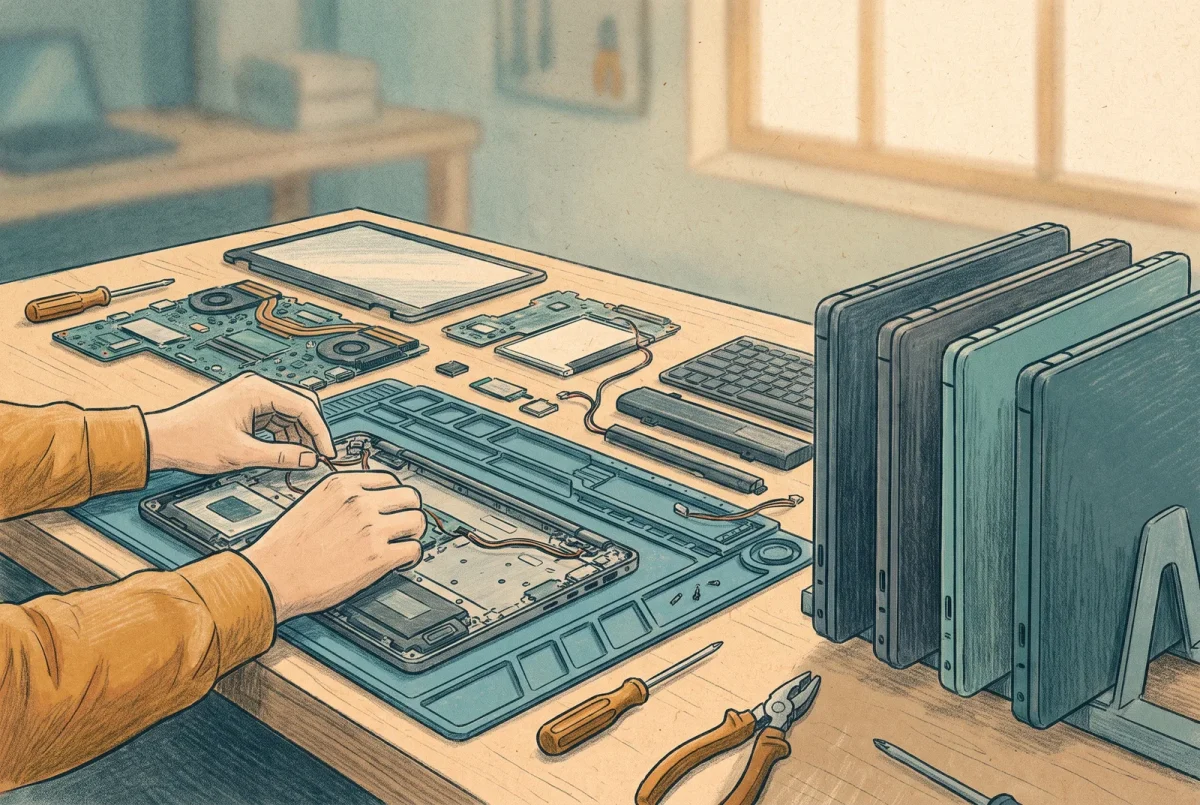
Here is the sentence nobody wants in a migration plan: the laptops have to be rebuilt. Reset to the bare operating system and set up again as cloud-native machines. This is the stage people spend the most energy trying to avoid, hunting for a tool or a trick that turns a hybrid-joined device into an Entra-joined one in place, and the energy is wasted, because Microsoft documents in two places that no supported conversion exists without a reset. Stage 2 gets easier the moment you accept that, because then the work becomes making the rebuild cheap enough to stop dreading.
Why there is no in-place path, and why that is fine
A device’s join type is baked into how the machine registered itself with identity when it was first set up, written into its own sense of who it trusts and how it proves it. Microsoft states in more than one place that there is no supported process to convert a device from hybrid join to Entra join without a reset, and the reason is architectural rather than a missing feature. The machine’s identity is a foundation you poured, and you do not remodel a foundation. Once you internalize that, the community recipes promising an in-place conversion reveal themselves for what they are: a reset wearing a costume, an OOBE wipe with extra steps and more ways to go wrong. There is no faster path hiding behind a longer one. There is the reset, done well.
Windows Hello will enroll on an Entra-joined device whether or not cloud Kerberos trust exists behind it. The user simply loses on-premises single sign-on, with no error to explain why.
Ride the refresh you were already doing
The cheapest reset is the one you were going to do anyway. Hardware refreshes, reimaging after a fault, a new hire’s machine, a laptop coming back from a departed employee: every one of these is a device being set up from scratch, and the only change Stage 2 asks is that it be set up as Entra-joined rather than hybrid. If your fleet turns over on a three or four year cycle, a meaningful fraction of it will rebuild itself on that cycle for free, and the migration becomes a matter of pointing new provisioning at the cloud and waiting. The devices that force a decision are the ones that would otherwise have sat untouched for two more years, and for those you choose between proactively resetting them and letting them age out. A date the business sets for the domain controllers, which is what the rest of this series works toward, is exactly the case that justifies the proactive resets, because a machine that will not rebuild itself before the domain goes has to be pushed.
Microsoft’s own sequencing guidance says the same thing in fewer words: new and reset devices go Entra join immediately, existing hybrid devices wait for a complementary event, and you ring the tail through Autopilot. The one line worth quoting to a hesitant stakeholder is theirs, verbatim: if your organization is moving away from having an on-premises domain, then you must also move away from Hybrid Microsoft Entra Join for your devices. The devices are the same migration seen from the endpoint.
What the user loses, and how little it has to hurt
A reset takes everything local: the profile, the cached credentials, the mapped drives, the browser sessions, the sign-in method the user had enrolled, and the encryption keys tied to the old device identity. Stated baldly that sounds brutal, and stated baldly it is why people go looking for the shortcut. But most of what a user needs is already not on the laptop, or does not have to be. Their mail and their files live in the cloud already. Their known folders, the desktop and documents and pictures where people keep things, follow them automatically once folder redirection points at OneDrive rather than at the file server. For CatSnackJack it still points at FS01, so moving it is a Stage 2 prerequisite rather than a condition the estate already meets, and it is the single cheapest thing you can do before the first reset. Their sign-in re-enrolls in minutes. What remains is local and at risk: files saved outside the redirected folders, application settings, anything in a spot no cloud service watches, and the answer is to find those with the same honesty Stage 0 applied to the domain, then handle them before the reset rather than mourn them after.
The settings themselves have gotten easier to carry. Windows now has a first-party backup that captures a machine’s Windows settings and the list of Store applications and restores them onto the rebuilt device, and the useful recent change is that the restore no longer has to happen only during initial setup; a restore can land at first sign-in on a device that is already Entra-joined, which fits a fleet migration far better than the setup-only path did. Set expectations correctly, though: this carries settings and an app list, not user data and not the reinstallation of desktop applications. Treat it as a comfort layer on top of a clean rebuild; treating it as more than that is how a routine rebuild turns into a support queue.
The one thing you deploy before any device moves
One ordering mistake in this stage breaks on-premises access silently. While the domain still exists, your Entra-joined machines need a way to reach the on-premises resources that have not moved yet, the file server, the applications still on the network. For users signing in with a password this works with no extra infrastructure, because the machine can still find a domain controller and get a ticket. For users signing in with Windows Hello, the modern passwordless method you almost certainly want, it does not work unless you have first deployed the cloud Kerberos trust component that lets Entra issue the Kerberos ticket the domain will honor. And here is the trap: on an Entra-joined device, Windows Hello will happily enroll a user whether or not that component exists, with no warning, and the user simply loses single sign-on to everything on-premises without any error explaining why. The check that would have caught it does not run on these devices. So the rule is absolute and it comes before the first laptop moves: deploy cloud Kerberos trust first, then migrate devices. It needs no premium license, it removes the certificate infrastructure the old method required, and it still needs the device to see a writable domain controller for the actual resource ticket, which it will until Stage 6. Deploy it out of order and you will spend Stage 2 debugging a silence.
Provisioning, and the escape hatch
Set the rebuilt machines up the way this blog has argued for elsewhere: classic Autopilot remains the default for user-driven provisioning, as the Intune series argues at [4.1], because the newer device preparation flow still lacks the pieces a real fleet migration leans on, existing-device scenarios and pre-provisioning among them. The migration recipe for hardware you are keeping is to register the device so Autopilot knows it, wipe it, and let it come back through a user-driven Entra join. For the machine that genuinely cannot be rebuilt in time, or the role that needs a Windows desktop without a physical one to rebuild, a Cloud PC is the escape hatch: provision it Entra-joined and the user has a cloud-native Windows machine with nothing to reset, which is also the graceful answer for the person whose ancient laptop was never going to survive the transition anyway. Reach for it deliberately, not as a way to avoid the rebuilds you can simply do.
Conditional Access, one quiet landmine
One check before you migrate the first device, because it locks out the ones you just moved. If any Conditional Access policy requires a hybrid-joined device as its only device control, every freshly Entra-joined machine fails it the moment it is set up, and you have built yourself a lockout on the exact devices you are trying to move forward. The fix is to accept a compliant device as an alternative to a hybrid-joined one during the transition, which Microsoft ships as a ready-made policy pattern, and to drop the hybrid requirement entirely once the fleet is across. Find this policy before Stage 2, not during it, because discovering it mid-migration means discovering it as a room full of people who cannot sign in.
The gate out of Stage 2
Stage 2 has no build sheet, on purpose. The rebuild itself is Autopilot and Intune work this blog covers elsewhere, and dressing it up as a novel procedure would imply it is harder than it is. What Stage 2 owns is the doctrine: that the conversion does not exist, that the rebuild is cheap when ridden on the refresh cycle, and that cloud Kerberos trust goes first. The gate is checkable. Cloud Kerberos trust is deployed and verified before any device moved. Every migrated device is Entra-joined, enrolled in Intune, reaching its mail and files, and reaching the on-premises resources it still needs. No Conditional Access policy silently excludes the new machines. And the count of hybrid-joined devices is falling on a schedule you can name, whether that schedule is the refresh cycle or a deliberate push. CatSnackJack passed this gate with the fleet not fully across, which was correct: most machines were riding their refresh, a dozen stubborn ones were slated for proactive resets before the Stage 6 deadline, and cloud Kerberos trust had been deployed a week before the first laptop moved, so nobody lost on-premises access to a silence. The early cohorts are cloud-native, the rest cross as this stage and the two after it clear their dependencies, and the devices are following. Stage 3 moves the services those devices still reach across the network, starting with the file server that has been quietly central to this story since Stage 0.
AD to Azure
‹ Previous: [AD 3.1] Build Sheet: Converting to Cloud-Only and Disabling Directory Synchronization
Next: [AD 5] Replacing the Estate: Files, Print, Certificates, Wi-Fi ›



