
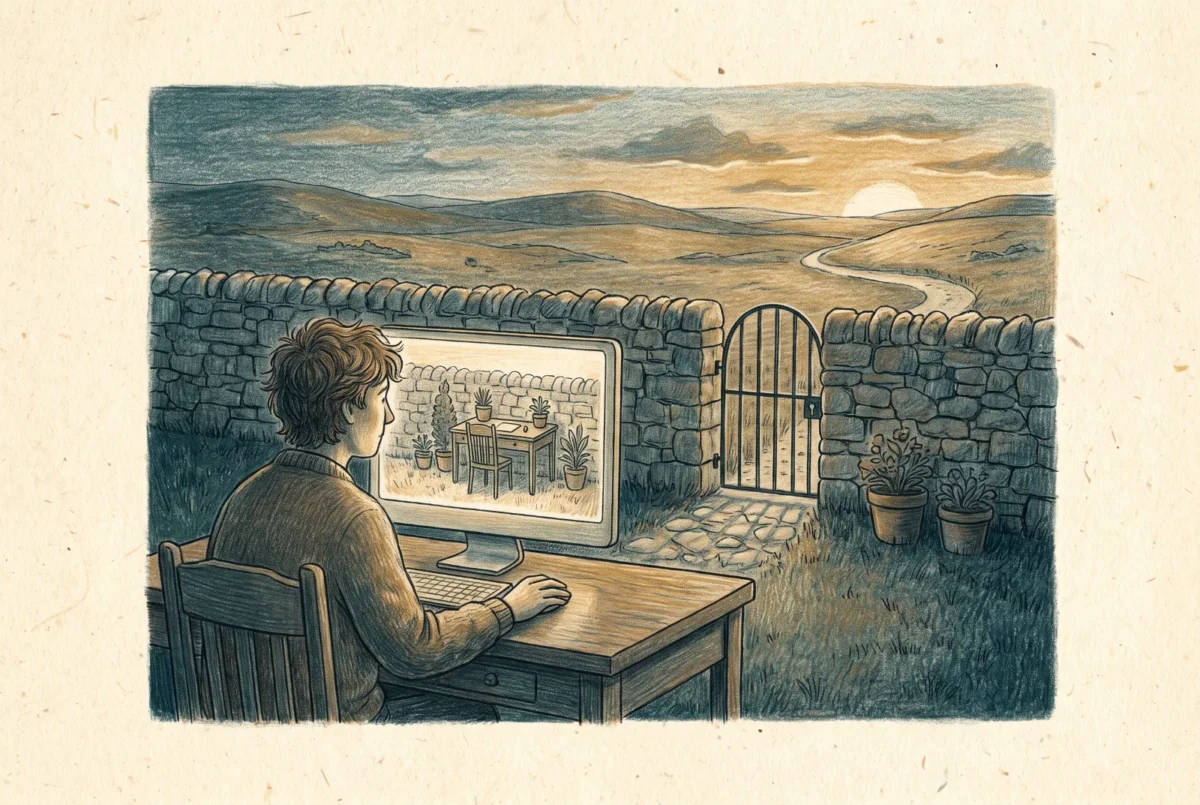

In the defense industrial base, the expensive question is not how to protect controlled data. It is how to keep the protection boundary small. The Cloud PC has quietly become one of the best answers, because it lets people step into the boundary without the boundary swallowing their laptop.
This last article in the series applies the boundary thinking of the privileged access piece to a different problem: data under regulation rather than authority under attack. The setting is the contractor ecosystem around the US government, where Controlled Unclassified Information and the CMMC assessment regime turn every system that stores, processes, or transmits CUI into scope, and scope into cost. The architecture that has won in practice is not migrating the whole company into a government cloud. It is the enclave: a deliberately small environment, usually a separate GCC High tenant, holding only the users, workflows, and data that regulation actually touches, while the rest of the business stays commercial.
The enclave creates a daily-life problem, and the daily-life problem is what the Cloud PC solves. Enclave users hold a second identity in the enclave tenant alongside their commercial one, and they need somewhere for that identity to live and work, without CUI ever landing on the laptop they also use for email, travel, and everything else, because the moment it lands there, the laptop and its management stack walk into assessment scope. The pattern practitioners describe as swivel-seating is a virtual desktop inside the enclave: the user turns from their commercial world, steps through a client into a desktop that exists entirely within the boundary, does the controlled work there, and steps back out. The data never transits to rest on the local device, and encrypted CUI moving across the wire does not drag the enterprise network around it into scope so long as the enclave keeps its logical separation. The endpoint stays a viewer; the enclave stays the system.
Windows 365 Government, and the odd shape of GCC
Windows 365 Government is the product line that makes the Cloud PC available inside these boundaries, in both GCC and GCC High. The two are not the same shape, and the difference matters to design. GCC High is the clean case: identity, resources, and content all live in the sovereign environment, fully separated, which is why it is where ITAR and the stricter CUI categories go. GCC is the architecturally odd one: the user’s identity remains in the public cloud while the Cloud PC and its content are secured in the government environment. That split-identity model is unusual enough that it deserves explicit attention in your Conditional Access and support design, because the sign-in story and the resource story live in different clouds, and assumptions imported from commercial tenants will be wrong in quiet ways.
Design the enclave against the government cloud’s actual feature list, not the commercial one, because the two are never the same list on the same day.
The other discipline is feature parity, or rather its absence. Sovereign clouds trail commercial, always, and the gaps change your design rather than merely annoying it. As I write this, GPU Cloud PCs, Windows 365 Switch, cross-region disaster recovery, and the new Teams client are among the capabilities not available in GCC and GCC High, Windows 365 Boot is available for GCC but not GCC High, and Flex shared mode does not extend to the sovereign clouds at all, which takes the Cloud Apps pattern off the table for enclave design. Every one of those items moves; none of them should be trusted from an article, mine included. The professional habit is to re-verify the government feature list at design time, and to write the enclave architecture against what is actually there.
Cloud PC or AVD in the enclave, and the endpoint question
Plenty of consultancies build the enclave desktop on Azure Virtual Desktop in Azure Government, and the choice between that and a Windows 365 Government Cloud PC is the same trade this series opened with, transplanted into the boundary. AVD in the enclave gives you architecture: pooled hosts, multi-session economics, and every operational obligation that comes with running virtualization infrastructure inside an assessed environment, where every component you operate is a component you defend in the assessment. The Cloud PC gives you the operating model: dedicated persistent desktops, Microsoft running the platform, your team governing policy through Intune, and a meaningfully shorter list of things you own inside the boundary. For a large enclave with steady concurrent load, the AVD economics can win. For the typical contractor enclave, measured in dozens or hundreds of users rather than thousands, my experience is that the reduced operational surface of the Cloud PC is worth more than the pooling savings, precisely because operational surface inside an assessment boundary is the most expensive kind.
The endpoint side of the pattern has also matured. The swivel seat historically meant a browser or client on the user’s commercial machine, kept deliberately out of scope as a mere viewer. Windows 365 Link now supports connectivity to Government Cloud PCs in both GCC and GCC High, which offers a stricter version of the same idea for the roles that warrant it: a fixed-function device with no local data, no local applications, and no local administrators as the doorway into the enclave, echoing the assurance argument from the privileged access article in a compliance key.
That closes the loop this series has been drawing since the first article. Windows 365 began as a question about who operates your desktops, and it ends here as something more useful: a boundary you can hand to exactly the people who need to cross it. A contractor’s machine you never shipped. An administrator’s workstation that cannot read email. An enclave desktop that lets a laptop stay a laptop. The platform’s fixed SKUs and surrendered controls are the price, and by now you can judge precisely when the price is right.
Windows 365
‹ Previous: [W365 5.1] Building the PAW Policy Set: Provisioning, Filters, and Conditional Access



