
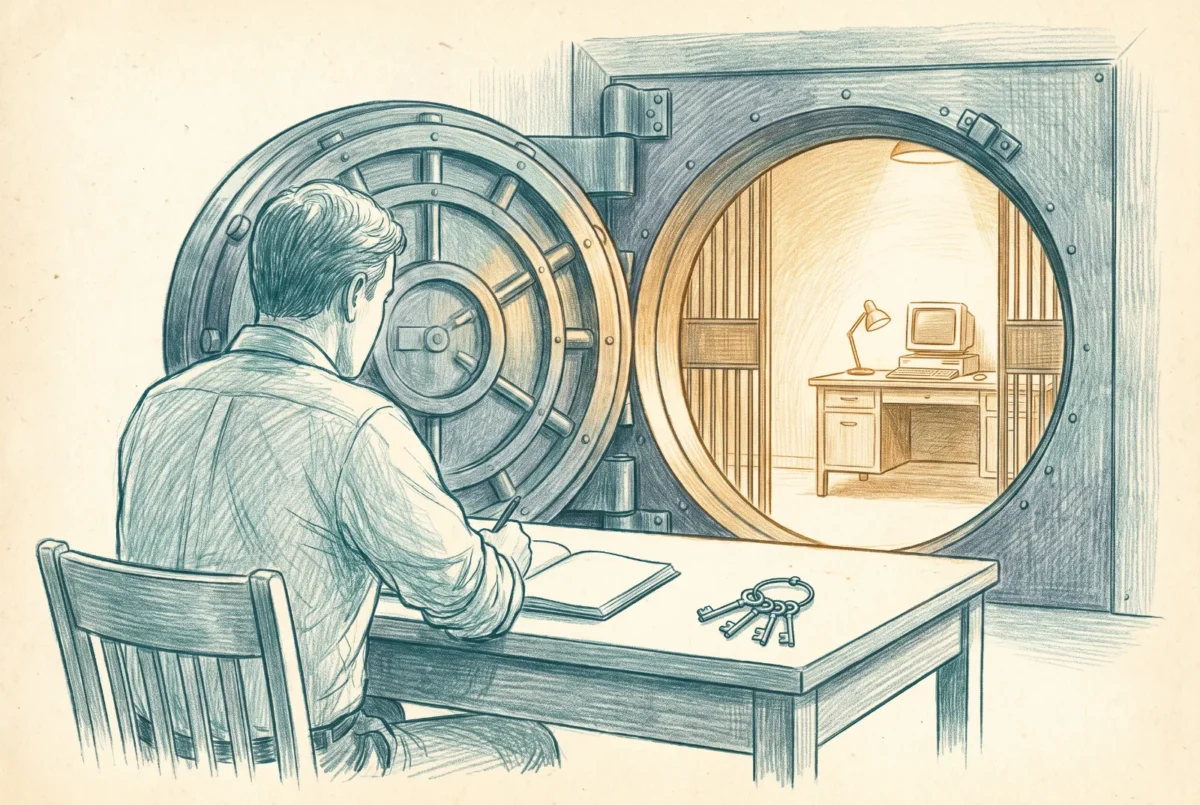

The machine an administrator uses for privileged work should not be the machine they read email on. A Cloud PC is the cheapest way ever built to honor that principle, and also an incomplete one, and this article takes both halves seriously.
The privileged access workstation is one of the oldest ideas in security architecture: separate the environment that touches Tier 0 from the environment that touches the internet, because the browsing, email-reading, document-opening machine is the most compromised class of computer in any organization, and credentials typed into it are credentials you may have already lost. The idea is old; the adoption is poor, and the reason is logistics. A second physical laptop per administrator, hardened, inventoried, carried, replaced. Most organizations look at that overhead and quietly decide their admins will be careful.
Windows 365 removes the logistics. A privileged access Cloud PC is a dedicated, persistent machine that exists in minutes, ships nothing, and dies on command. It enrolls into a dedicated Intune scope where a hardened baseline applies without exceptions, because no one does general work there. It is reachable from anywhere the administrator already is. And when it is compromised, or merely suspected, reprovision destroys it and the blueprint builds a clean one. Microsoft’s own privileged access guidance names Windows 365 as a supported host for exactly this separated administration channel, and a small community of practitioners has been refining the pattern for years. It works, I have deployed it, and the economics finally match the principle.
The enforcement is Conditional Access or it is nothing
A privileged Cloud PC that admins are merely encouraged to use is a suggestion, and suggestions do not survive a busy Tuesday. The architecture only exists when Conditional Access makes it the sole path. The design follows directly from the admin persona work in Phase 8 of the Intune series: privileged role activation and the administrative portals require a compliant device matching a device filter that identifies the PAW Cloud PCs, and they require phishing-resistant authentication, with the credential for the privileged identity living in the Cloud PC context rather than on the daily driver. The privileged identity itself is a separate account, not an elevated hat on the everyday one, so the everyday account’s compromise buys an attacker nothing that matters. Add sign-in frequency controls appropriate to the tier, and block the privileged accounts from everything that is not the admin plane, because a Tier 0 identity has no business in a mailbox.
None of that is exotic. Every control named is one the earlier series already built; the PAW design simply points them at a small population of machines and identities where zero exceptions is actually achievable. That is the quiet advantage of the Cloud PC PAW over the physical one: the hardest part of a PAW program was never the hardening, it was sustaining a no-exceptions posture on hardware humans carry through their lives. A machine with no other purpose sustains it by construction.
The clean source problem does not go away because the PAW is remote
A session is only as trustworthy as the keyboard it rides on. The Cloud PC raises the floor; it does not abolish the local device.
Now the honest half. The clean source principle says a secure system may not depend on a less-secure one, and a Cloud PC PAW is reached through a client running on some local device. If that local device is compromised, the attacker does not need to breach the Cloud PC; they can capture keystrokes and screen contents as the administrator works. The isolation holds in one direction, nothing on the Cloud PC leaks to the local disk, but the input path is a dependency you cannot wish away. This is the strongest argument in the counter-position, articulated well in the community: invert the model, make the hardened physical device the PAW, and put the browsing and productivity in the Cloud PC where its compromise is survivable and its disposal is free.
My resolution is to stop treating this as one question. Ask instead what the administrator would otherwise be doing, and what assurance the assets actually demand. For the organization whose admins today do privileged work in a browser tab next to their email, which is most organizations, the Cloud PC PAW is a large and immediate improvement, and the clean source residual is a risk you accept knowingly and mitigate: keep the connecting device inside your managed, compliant, EDR-covered fleet, and never allow the privileged path from an unmanaged machine. For the environment whose Tier 0 justifies hardware-grade assurance, the inverted model is right, and the Cloud PC still earns its seat as the productivity half of the split. And the middle is getting interesting: a Windows 365 Link device, with no local data, no local applications, no local administrators, and a security posture that cannot be turned off, is a connecting endpoint whose attack surface starts to resemble the dedicated hardware of the inverted model at a fraction of its operational weight. I am not yet ready to call a Link-plus-Cloud-PC pair a full PAW replacement for the highest tiers, but for the broad middle of privileged work it is the most defensible ratio of assurance to effort I have seen.
Whichever model you land on, land on it in writing, with the CA policies that enforce it and a review that confirms the exceptions list is still empty. A PAW architecture is a claim about where privileged keystrokes happen, and it is only true if something makes it true. The final article in this series takes the same boundary thinking and applies it to data instead of authority: the government cloud, the CMMC enclave, and the Cloud PC as the doorway you step through to reach controlled information without carrying it home.
Windows 365
‹ Previous: [W365 4.1] Configuring Cloud PC Restore
Next: [W365 5.1] Building the PAW Policy Set: Provisioning, Filters, and Conditional Access ›



