

Autopilot is often introduced as a way to skip imaging. That framing undersells what it actually does and sets up the wrong expectations about what it’s for.
The problem with imaging wasn’t the time it took. The problem was variability. The quality of a device’s setup depended on who built it, when it was built, and how closely instructions were followed that day. The same process run by two different people on two different days produced two subtly different results. At small scale that’s manageable. At scale it becomes a compounding liability.
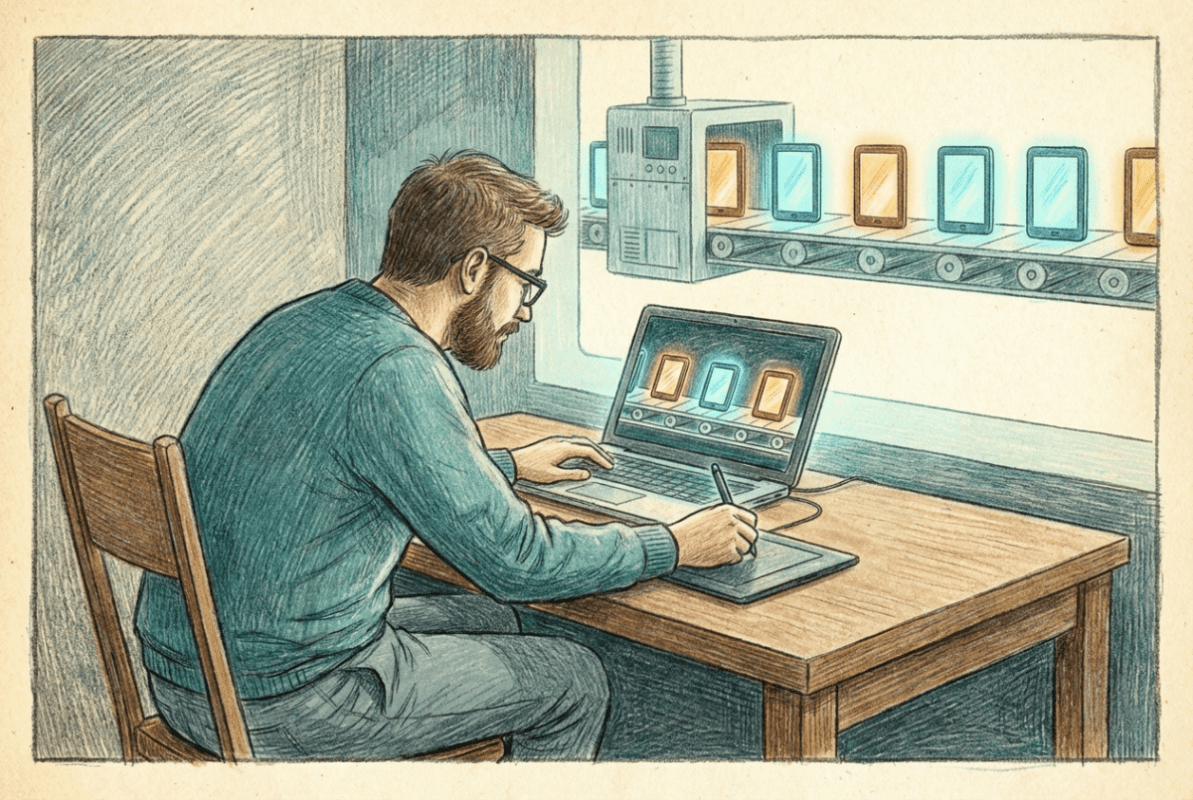
Autopilot replaces the human variable with a platform-driven one. Devices identify themselves to the Autopilot service using a hardware hash, receive predefined configuration, and enter management in a predictable state – regardless of who touched them or where they shipped from. The value isn’t speed. The value is consistency.
One thing has changed since Autopilot became the default answer, and it is worth stating plainly because the two paths now coexist. What I have described so far is classic Autopilot, which registers each device by its hardware hash ahead of time. Alongside it, Microsoft has built Autopilot device preparation, a newer provisioning method that drops the hardware-hash registration entirely and targets devices by group membership instead, with near-real-time provisioning feedback. Microsoft positions device preparation as the go-forward path, and the registration logistics it removes are real. My default is still classic Autopilot, and I recommend the same. Device preparation remains Entra join only, still has no pre-provisioning or self-deploying mode, caps the out-of-box experience at 25 applications and 10 scripts, and delivers only device-targeted configuration during setup, so a user can reach the desktop before user-targeted policy has applied. Classic Autopilot covers everything device preparation does and everything it does not, and its Enrollment Status Page keeps the guarantee I care most about: the user does not get a desktop until the device is actually finished. Microsoft is closing the gaps, and the calculus changes when parity arrives. It has not arrived.
Autopilot doesn’t configure devices itself. It ensures devices arrive in the correct managed state so Intune can apply configuration immediately and reliably – every time.
It’s worth being direct about what Autopilot isn’t, because the confusion causes real planning problems. A device doesn’t need to go through Autopilot to be Entra ID-joined and managed by Intune. Devices can be manually Entra-joined during OOBE, enrolled after setup, or brought under management later in their lifecycle. Autopilot doesn’t unlock management capabilities that don’t already exist. What it removes is variance. Without it, outcomes depend on user behavior, timing, and consistency. With it, devices are onboarded the same way every time.
Autopilot depends on automatic enrollment – it doesn’t replace it. The enrollment scope and restrictions defined in Phase 3 are what allow Autopilot to complete. If MDM user scope is misconfigured, Autopilot fails regardless of profile quality. Autopilot defines how devices arrive. Enrollment defines who’s allowed in. Both need to be right.
The hardware hash is registered against your tenant either by the OEM at purchase, by your IT team before deployment, or by running a PowerShell script on an existing device. Once registered, the device is associated with your tenant and an Autopilot profile is assigned. When the device enters OOBE, Windows checks in with the Autopilot service, recognizes the device, applies the profile, and proceeds according to the defined deployment model. Intune then takes over policy and application delivery from that point.
User-driven mode is the standard deployment model for most organizations – the user authenticates during OOBE, the device joins Entra ID, and Enrollment Status Page holds the device at the setup screen until required apps and policies have applied. Self-deploying mode handles kiosk or shared devices where no user interaction is expected during provisioning. Pre-provisioning – sometimes called white glove – allows IT or a partner to complete the device-facing portion of setup before the device reaches the end user, reducing the time the user spends waiting at ESP on first login.
Enrollment Status Page is where Autopilot deployments succeed or fail visibly. A well-designed ESP configuration is the difference between a smooth first-boot experience and a device that sits at a progress bar for an hour.
ESP has two phases – device setup and account setup. Device setup runs before the user logs in and applies device-targeted policies and apps. Account setup runs after login and applies user-targeted policies and apps. Both phases can be configured to block progress until specific apps are installed, with a timeout that determines what happens if they don’t complete in time. The most common ESP failure mode is required applications that are too large, too slow, or have unreliable detection logic – Autopilot surfaces these problems immediately and unforgivingly.
That unforgiving quality is actually useful. Autopilot makes fragile installers and misconfigured assignments visible during provisioning, before they become day-two support tickets. Environments that have invested in reliable application packaging and clean policy assignments find Autopilot straightforward. Environments that haven’t find it a thorough audit of everything that needs fixing.
Intune Deployment Guide · Phase 4: Provisioning
Next: [4.1.1] Autopilot Profiles and Deployment Modes ›



