
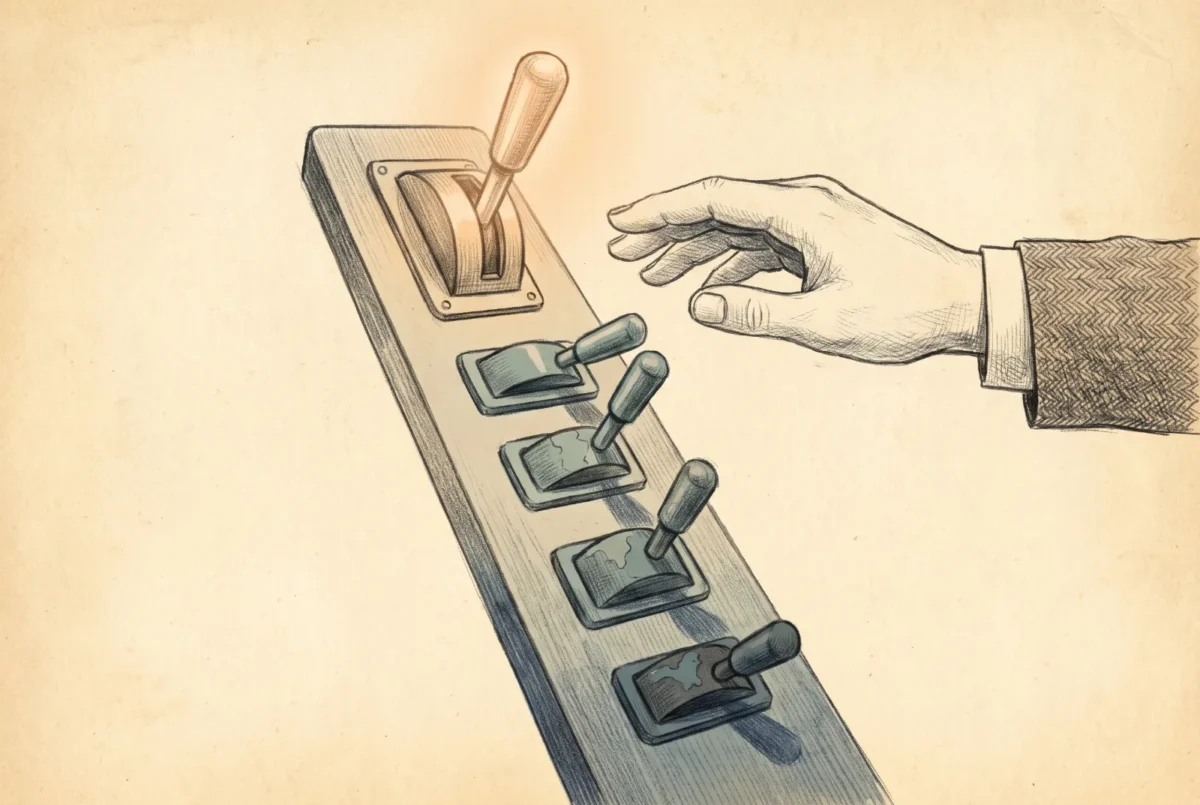

Authentication used to be a set of switches you flipped. It is becoming a ranking the system enforces on your behalf, steering every user to the strongest credential they hold and asking for the password only when nothing better exists. Designing authentication in the current year is less about turning methods on than about getting strong credentials registered ahead of the prompt and clearing the weak ones out of the way.
This is the fourth article in the Entra ID series. The earlier ones covered the tenant, where identities come from, and the shape of the directory. This one is about how those identities prove who they are, and about a quiet but decisive shift in who makes that choice.
One policy, one surface
For years, authentication methods lived in three places that did not agree with each other: a legacy per-user multifactor authentication setting, a separate self-service password reset policy, and the newer converged Authentication methods policy. That fragmentation is over. The Authentication methods policy is the recommended and, in practice, the only forward place to manage methods, and since September 30, 2025 methods can no longer be managed in the legacy per-user MFA and SSPR policies at all. If you inherited a tenant that still had settings scattered across the old policies, the supported path was the migration guide, which audits the legacy configuration and consolidates it into the single policy so the two views stop contradicting each other.
Consolidation matters for more than tidiness. The converged policy is where every method is scoped to groups, enabled or disabled, and given the settings that let you run a real passwordless program, and it is the surface the rest of this article assumes. A tenant still carrying live configuration in the legacy policies is not just untidy; it is holding part of its authentication design somewhere the modern features cannot see.
The system now chooses for you
The most consequential change is that Entra no longer waits for the user to pick a method. System-preferred authentication evaluates the credentials a person has registered and prompts them for the strongest one, and it is a Microsoft-managed default rather than something you opt into. In that managed state it governs both the first factor and the second, and Microsoft expanded it to first-factor sign-in as a generally available capability rolling out to all managed tenants with completion expected by late July 2026. The practical effect is direct: a user who has registered a passkey simply stops being offered a password, because the system ranks the passkey higher and asks for it first.
The ranking is worth knowing, because it tells you exactly what the system will reach for. Highest first, it runs Temporary Access Pass, then passkey, then certificate-based authentication, which moved to the third position on March 18, 2026, followed by Authenticator notifications, external methods, time-based codes, telephony, a QR code, and, at the very bottom, the password. Read from the top, that list is a passwordless program written as a priority order. Your job is not to argue with the ranking; it is to make sure the credentials near the top of it are the ones your users actually have.
Read from the top, the ranking is a passwordless program written as a priority order.
Registration is the real work
Once the system steers by strength, the entire program becomes a registration program. If the strong credential is not registered, the ranking falls through to whatever is, and the password survives by default rather than by decision. So the order of operations is the opposite of the instinct: register strong credentials first, across the population, and only then tighten what is required. Enforce a phishing-resistant requirement before people hold a phishing-resistant credential and you have built a wall with no gate, which the help desk discovers first.
Two tools make the registration wave manageable. The registration campaign nudges users into setting up a stronger method during ordinary sign-in, turning an all-at-once project into a steady drift toward the target. And the Temporary Access Pass is the bootstrap credential that solves the chicken-and-egg problem of passwordless onboarding: a time-limited pass that lets a new or recovering user authenticate once in order to register the real credential, without ever touching a password. A passwordless rollout without a Temporary Access Pass strategy tends to quietly reintroduce the password at exactly the moment it was supposed to disappear, during onboarding and recovery, so plan it in from the start rather than bolting it on when the first locked-out user calls.
Retire the weak deliberately
Steering toward strong credentials only helps if the weak ones are actually leaving, and a few of them need a deliberate push. Legacy authentication should be blocked outright, because it cannot carry a second factor and the overwhelming majority of password-spray and credential-stuffing attacks ride protocols that predate multifactor authentication. Per-user MFA in the enabled or enforced state is a defect to migrate away from, not a configuration to keep, now that the method management for it has been retired. And the weakest surviving second factors, text message and voice call, belong on the floor of your ranking rather than in your plan; they are better than a lone password and worse than everything above them, and their presence should be a fallback you are working to shrink, not a method you promote.
Where Microsoft Authenticator push remains in the mix as a transitional second factor, it at least carries its hardening by default. Number matching is enforced for all Authenticator push notifications and users cannot turn it off, which closes the accidental-approval gap that made push fatigue such an effective attack. Treat push as a respectable waypoint on the road to passwordless rather than a destination, and keep the destination clearly in view.
The target, stated plainly
A well-run authentication estate in the current year has a recognizable shape. Methods are managed in one policy. The system is left to prefer the strongest registered credential, because it does that better and more consistently than a user choosing from a menu. Strong credentials are registered ahead of any enforcement, bootstrapped with Temporary Access Passes and driven by registration campaigns. Legacy authentication is blocked, per-user MFA is gone, and the weakest factors are a shrinking fallback rather than a promoted option. Administrators are held to phishing-resistant authentication as a baseline, and everyone else is moving steadily toward passwordless because the ranking pulls them there.
What the ranking pulls toward, at the very top, are the credentials worth the most: passkeys and Windows Hello for Business, the phishing-resistant methods that make the whole design defensible. Those deserve their own treatment, because the portfolio of them has grown and the choices between them are the next real decision. That is where we go next.
Entra ID
‹ Previous: [E 3] Tenant Foundations and the Shape of the Directory
Next: [E 5] Passkeys, WHfB, and Phishing-Resistant Credentials ›



