
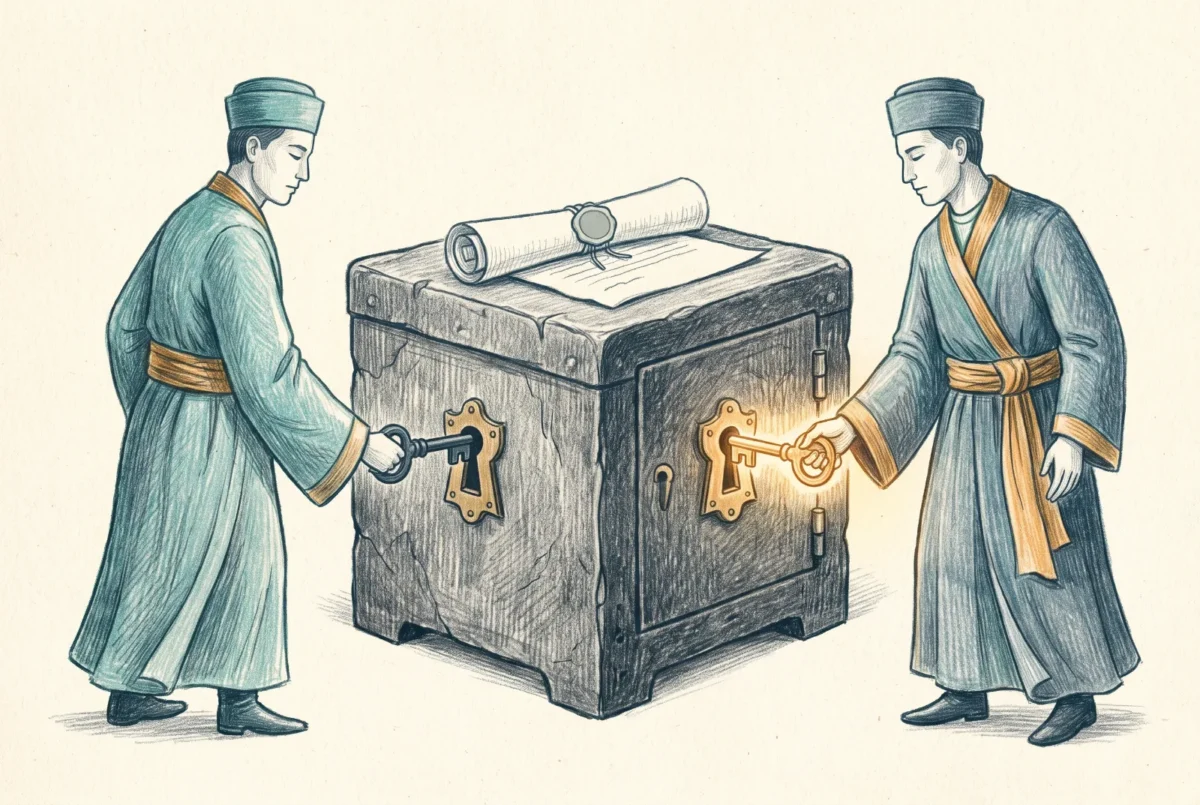

Every control in the last article assumed the administrator is trustworthy and merely needs boundaries. Multi-Admin Approval assumes something darker and more useful: that any admin account, including the most privileged one in the tenant, might be an attacker by the time it makes a change. So for the resources you choose to protect, no single account can change anything alone. A different administrator has to sign.
This closes the Phase 2 governance pair. The previous article bounded what each administrator can reach; this one adds a second signature to the changes that are dangerous no matter who makes them. On the identity side, the same instinct produced just-in-time privilege, and the two are complementary in a way worth stating precisely: PIM governs when a person may hold power at all, while Multi-Admin Approval refuses to let held power act alone on specific resources. That framing is mine, not Microsoft’s, but it is how the two controls divide the work in practice.
What the second signature covers
Multi-Admin Approval works through access policies, each of which names a protected resource type and an approver group. The protected surface has grown steadily and is now substantial: app deployments, though not app protection policies; compliance policies; configuration policies built through the settings catalog, though not the older template or custom profiles; the wipe, retire, and delete device actions; role-based access control itself, meaning changes to roles, their permissions, and their member and scope group assignments; scripts deployed to Windows devices; and device categories. The access policies themselves are protected automatically, so an administrator cannot quietly delete the control that constrains them; removing an access policy is itself a change that requires a second signature.
The growth curve tells you where Microsoft thinks the risk lives. The feature began with apps and scripts, the two channels that push arbitrary code to endpoints. Device wipe and role changes arrived in 2025, and compliance and settings-catalog configuration followed in early 2026. If you are choosing where to start, I follow the same logic: scripts first, because a script assigned to all devices is remote code execution with a friendly name, then apps, then the rest as your operational tolerance grows. Protection is comprehensive for a covered type, applying to create, edit, delete, and assign alike, and there are no exemptions by seniority. A change submitted by a Global Administrator still waits for a different account to approve it.
How a protected change actually moves
The workflow has three steps, not two, and the third is the one that surprises people. The requesting administrator submits the change with a business justification and it sits in a queue, not applied. A member of the approver group reviews and approves or rejects it, and an administrator can never approve their own request, even if they belong to the approver group. Then, and this is the step teams miss in their first week, the original requester returns to the request and completes it, which is what actually applies the change. Approval alone changes nothing on any device. Requests that nobody processes expire after three days and must be resubmitted, an object can only carry one pending request at a time, and the platform sends no notifications at any point, so approvers find out about pending requests by looking, not by being told. Build the checking into someone’s routine or the queue becomes where changes go to expire quietly. Every step lands in the audit log, which is the record that makes the whole exercise worth it.
Approval alone changes nothing. The requester returns and completes the request, and nobody is notified of any of it unless they look.
The edges that bite
The approver group has two requirements that fail silently if you miss them. It must be a plain security group, not a distribution list or a Microsoft 365 group, and it must be directly assigned as the member group of an Intune role, because approvers who are not attached to a role assignment get periodically removed from approval duty by the platform itself. A group that merely exists is not enough; it has to be wired into RBAC to stay valid.
The sharpest edge is the role-based access control policy type, and Microsoft documents it as a genuine deadlock. Once RBAC changes require approval, the RBAC changes that Multi-Admin Approval itself depends on also require approval, and it is possible to configure yourself into a corner where the assignments needed to make approval work cannot be created because they need approval. The guidance, which I would treat as a rule, is to configure every other access policy first, verify the role assignments and approver groups are correct and tested, and enable the role policy type last. The documented recovery if you do get stuck is to delete the role access policy, wait a few minutes, repair the assignments, and recreate it, which works and is also exactly the kind of procedure you would rather not discover during an incident. Think about break-glass in the same breath: the tenant must hold at least two administrator accounts for the feature to function at all, and your emergency access procedure needs to account for the fact that even an emergency change to a protected resource needs a second set of hands.
Automation is no longer a side door
Until the middle of 2026, Multi-Admin Approval had a hole you could drive a service principal through: it governed interactive administrators while application-authenticated Graph API calls sailed past it. That closed in June 2026. Automated calls that modify protected resources are now subject to the same approval workflow, and a call without the required approval context is refused outright. Pipelines that manage protected resources have to participate in the workflow, submitting a justification, capturing the approval code the refusal itself hands back, and retrying with that code once a human has approved the request. For automation you genuinely trust, an access policy can carry explicit exclusions for named service principals, with two properties that keep the escape hatch honest: adding an exclusion is itself a protected change requiring a second signature, and the exclusion covers only the application’s own authenticated calls, never the interactive administrators behind it. If your deployment pipeline touched apps or scripts and nobody noticed this change, the first failed run after June was the notice.
Where it sits in the governance stack
Multi-Admin Approval ships with core Intune rather than as a Suite add-on, with one licensing footnote worth reading twice: participants in the workflow need an Intune license by default, and the tenant setting that admits unlicensed administrators is, like the scoped-permissions switch from the last article, irreversible once enabled. There is also an early sign of where this is heading. A Security Copilot agent in public preview can review pending script approval requests and recommend a verdict with its reasoning, though the decision stays with a human approver. I would not build a process around it yet, but an advisory layer over the approval queue is a sensible direction for a control whose weakest point is a tired approver clicking yes.
Taken together with the previous article, the shape of endpoint governance is now complete. Delegation bounds each administrator to their own slice, scoped permissions keep those slices from bleeding into each other, just-in-time privilege decides when anyone holds power at all, and the second signature stands over the handful of changes that could hurt everyone at once. None of these controls trusts any single account very much, and that is the point. The estate is administered by people, and people get phished; the governance layer is what makes that survivable.
Intune Deployment Guide · Phase 2: Identity and Tenant Foundation
‹ Previous: [2.6] Delegating Intune: Roles, Scope Tags, and Scoped Permissions



