
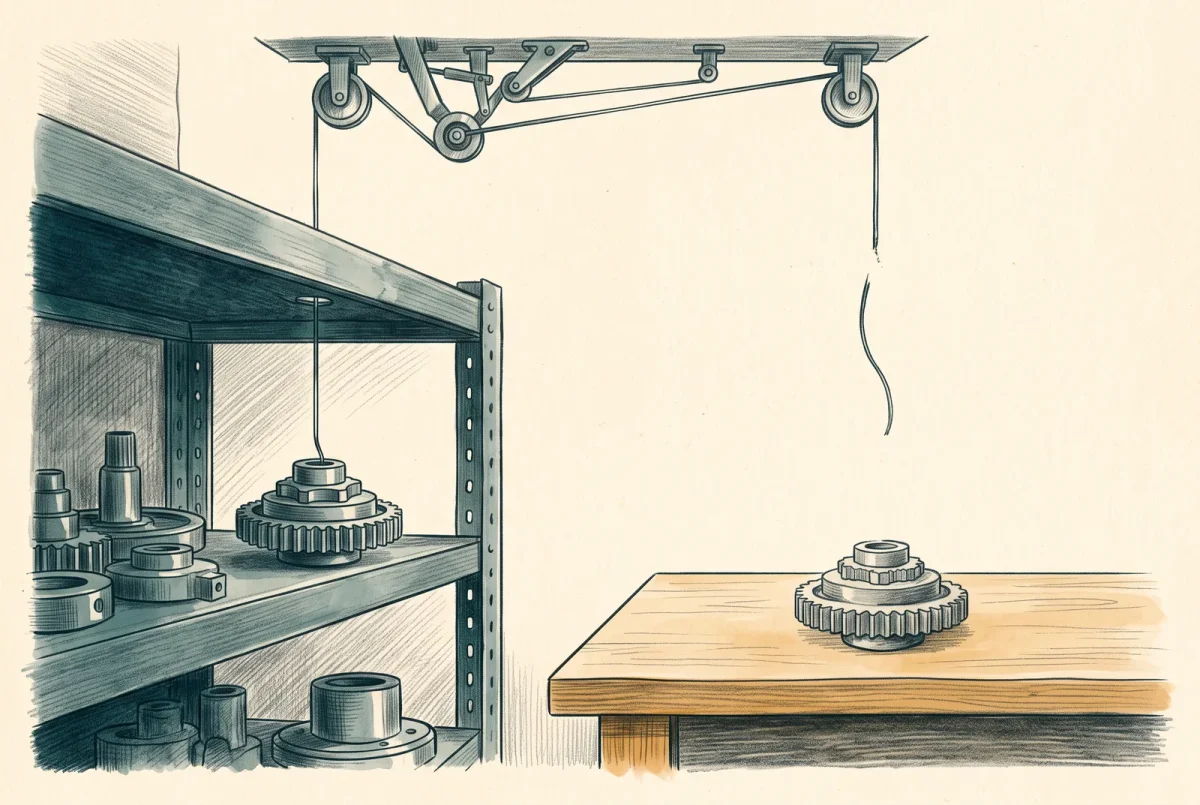
There is no edit button on a built-in policy, and there never will be. What people call editing one is duplicating it, and the copy leaves Microsoft’s maintenance stream permanently the moment it is created. That is a reasonable trade in a handful of situations and a poor one in most.
What a fork actually severs
A built-in is maintained. Microsoft ships changes to it on a versioning scheme with published meanings, and an assignment that has not pinned a version takes minor and patch updates as they arrive. Read what sits inside those increments and the value of staying attached becomes concrete. Minor versions carry rule logic corrections, new permitted parameter values, and changes to the roles a remediating definition requires. Patch versions carry what Microsoft describes as break-glass security scenarios, rare and by definition the ones you would want.
A custom copy receives none of that. When Microsoft corrects a rule that was matching an absent property incorrectly, your copy keeps the bug. When a resource provider introduces a new property that the built-in learns to inspect, your copy does not learn. When a security fix goes out as a patch, it goes to everyone except you. None of this is dramatic on the day you fork. It compounds quietly over the years the assignment keeps running.
Forking a built-in is not a change to a rule. It is the decision to maintain that rule yourself, for as long as it is assigned, without being told when the original moves.
The severance runs in the other direction too, and that is occasionally the point. A major version of a built-in can, by Microsoft’s own definition of the increment, add an enforcement effect by default. Assignments do not take major versions automatically, so the risk is bounded, but an organisation that wants absolute certainty about what a rule will do next year does get that certainty from a fork. It buys it by taking on everything above.
Two things to try before forking
Most of the customisation I am asked to review was not necessary, and it fails one of two checks.
The first is parameters. A large share of “the built-in does not fit” turns out to be “nobody opened the parameters”. Built-ins are written to be parameterised precisely so that one definition serves many organisations, and the thing you want to change is frequently already a value you are allowed to supply at assignment time. Read the parameter block before concluding anything.
The second is the custom initiative, and this is the technique most estates are missing. An initiative you author can contain Microsoft’s built-in definitions, set their parameters to your organisation’s values, group them into your own control structure, and pin each member to a specific version. The result is genuinely your policy set, carrying your standard, named after your organisation, reviewed by your people, and containing not a single definition you have to maintain. When somebody says they want their own policies, this is very often what they actually want, and it costs nothing but the initiative.
I would put it more strongly. Authoring initiatives over built-in definitions is the default way to express an organisational standard in Azure Policy, and forking definitions is the exception you take when the initiative cannot reach what you need.
The three fork drivers that survive scrutiny
The effect you need is not offered. A built-in exposes a fixed set of allowed effect values, and plenty of them offer only Audit and Disabled. If your organisation has decided a control must be enforced and the definition cannot deny, no parameter and no initiative will get you there. This is the most common legitimate driver I encounter and it is the cleanest, because the change to the copy is small and precisely describable.
The mode is wrong for your intent. A definition in Indexed mode only evaluates resource types that support tags and location, which excludes a meaningful slice of any estate. Microsoft is direct about this in its own catalogue: the description of the allowed resource types built-in tells the reader, in as many words, to duplicate the policy and change the mode to All if they want to restrict everything. When the vendor documents the fork as the supported path, the fork is the supported path.
A parameter has to go. Parameters can be added to a definition that is already assigned, provided they carry a default value, but they can never be removed, because an existing assignment might be supplying one and the reference would break. Microsoft handles this in built-ins by marking a parameter deprecated in metadata so the portal hides it, and that mechanism is not available for custom definitions. The documented alternative is to duplicate into a new definition without the parameter. This one is rarer and it is worth recognising when you meet it, because the instinct is to assume you have done something wrong.
What you owe every fork
Three obligations, and an organisation that will not accept them should not fork.
Provenance in the definition itself. Record the built-in it came from, by full definition identifier, and the version of that built-in on the day you copied it, in the custom definition’s own metadata. Not in a wiki. In the object, where it travels with the thing and survives the person. Without this, nobody can ever answer whether the original has moved, because nobody knows where the copy started.
A statement of the delta. One sentence saying what you changed and why, in the description. The failure mode without it is a custom definition that looks like a built-in, does something subtly different, and nobody remembers which part is the difference, so nobody will ever dare update it.
A watch on the original. The Azure Policy GitHub repository carries commit history for every built-in, and AzAdvertizer exists to track exactly this. Whatever the mechanism, somebody has to see it when the source definition changes and decide whether the fork should follow. A quarterly review is enough. No review at all means the fork silently ages into a rule that resembles a Microsoft control and no longer behaves like one.
Un-forking
The step nobody plans and everybody should. Microsoft frequently catches up: an effect that was not offered becomes available, a mode changes, a new built-in supersedes the one you copied. When that happens the fork should be retired, and retiring it is not deleting the definition. The order is to assign the built-in alongside the copy in audit, confirm the two agree on your estate, move the assignments over, and only then remove the custom definition once nothing references it.
The landing zone estate makes this concrete, because Microsoft is actively migrating Azure Landing Zone custom policies to built-ins and documents the manual steps for doing it. If your platform came from that accelerator, you have inherited forks that somebody else made, and the same three obligations now belong to you.
From here
The build sheet that follows takes a control from the baseline you assigned earlier, one that reports what you want but cannot enforce it, and forks it properly: with the necessity gate in front, the provenance recorded in the object, and both versions running side by side long enough to prove the copy behaves like the original plus exactly one change.
Azure Policy
‹ Previous: [AP 5.1] Build Sheet: DeployIfNotExists and the Remediation Task
Next: [AP 6.1] Build Sheet: Duplicate a Built-in, Change It, Track Upstream ›



