
Guide
Windows 365
Windows 365 gives you a Cloud PC that is a full member of the estate, and that is exactly why it deserves a real design rather than a checkbox deployment. This series covers the architecture decisions, the provisioning and networking builds, restore, and a privileged access workstation pattern built on the Cloud PC as a security boundary. Read in order.
The series, in order
10 articles
What Windows 365 Actually Is, and the Decision It Represents
Windows 365 is not VDI with a friendlier price sheet. It is a decision about who operates your desktop platform, and everything about the product follows from that division of responsibility.

Licensing and Sizing: The Four Variables and the Flex Question
In Windows 365, the license is the hardware. Sizing is an ongoing discipline, and a few of the doors, storage above all, only swing one way.
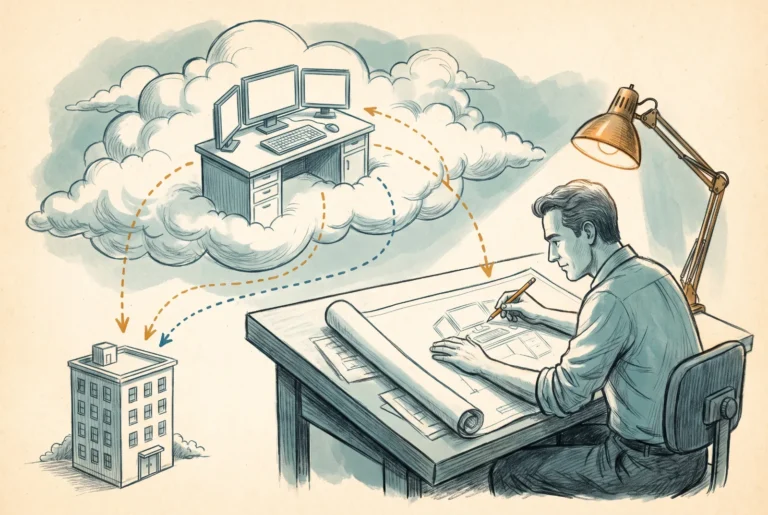
Designing the Enterprise Deployment
The provisioning policy is the blueprint of a Windows 365 Enterprise deployment. Join type, network, and image are authority decisions, and this is how I argue them.

Building the Provisioning Policy
The build companion to the deployment design article: the provisioning policy wizard in current post-April-2026 navigation, with the naming decision and the change-model traps called out.

Building the Azure Network Connection
The ANC build, prerequisites first: subnet headroom, the three service principal permissions, the hybrid join account, and the health check gate that will hold you to all of it.

Operating Cloud PCs: The Endpoint You Already Know How to Manage
A Cloud PC fleet runs on the Intune practice you already have. What is genuinely new are three levers physical hardware never offered: restore, resize, and reprovision.
Configuring Cloud PC Restore
The user settings policy behind point-in-time restore: frequency arithmetic, the self-service decision, the most-recently-created-wins targeting trap, and the manual restore point workflow.
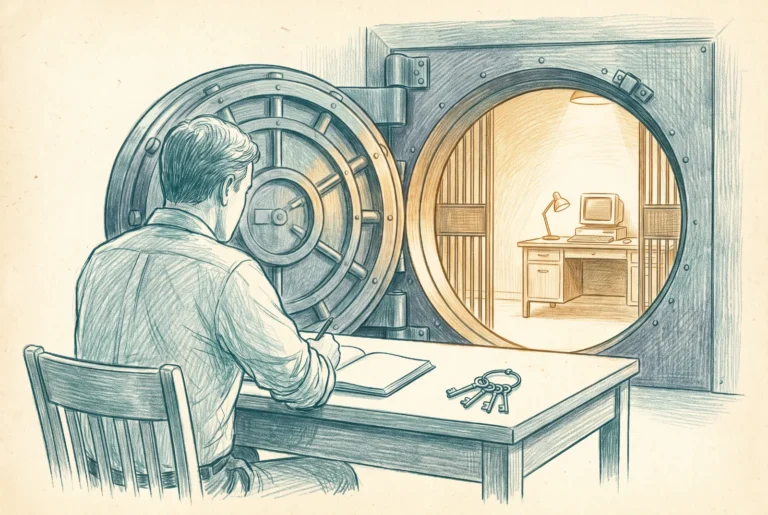
The Cloud PC as a Privileged Access Workstation
A dedicated Cloud PC is the cheapest privileged access workstation ever built, and an incomplete one. This article takes both halves of that sentence seriously.
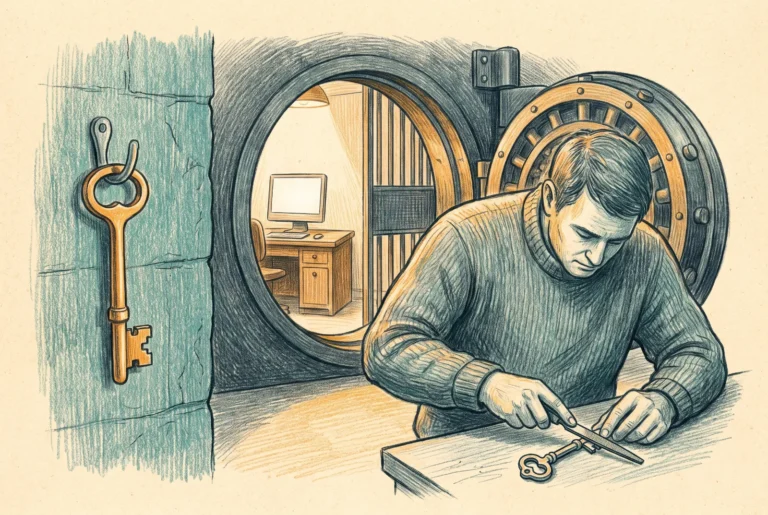
Building the PAW Policy Set: Provisioning, Filters, and Conditional Access
The Cloud PC PAW build end to end: a deliberately named provisioning policy, the enrollmentProfileName anchor, the PAW-only Conditional Access policy alongside the VCIO CA Framework, and the TAP bootstrap that puts the privileged credential inside the PAW.
Cloud PCs at the Enclave Boundary: Windows 365 Government and CUI Access
The CMMC enclave pattern won because it keeps the assessment boundary small. The Cloud PC is how people step into that boundary without their laptop walking into scope.



