
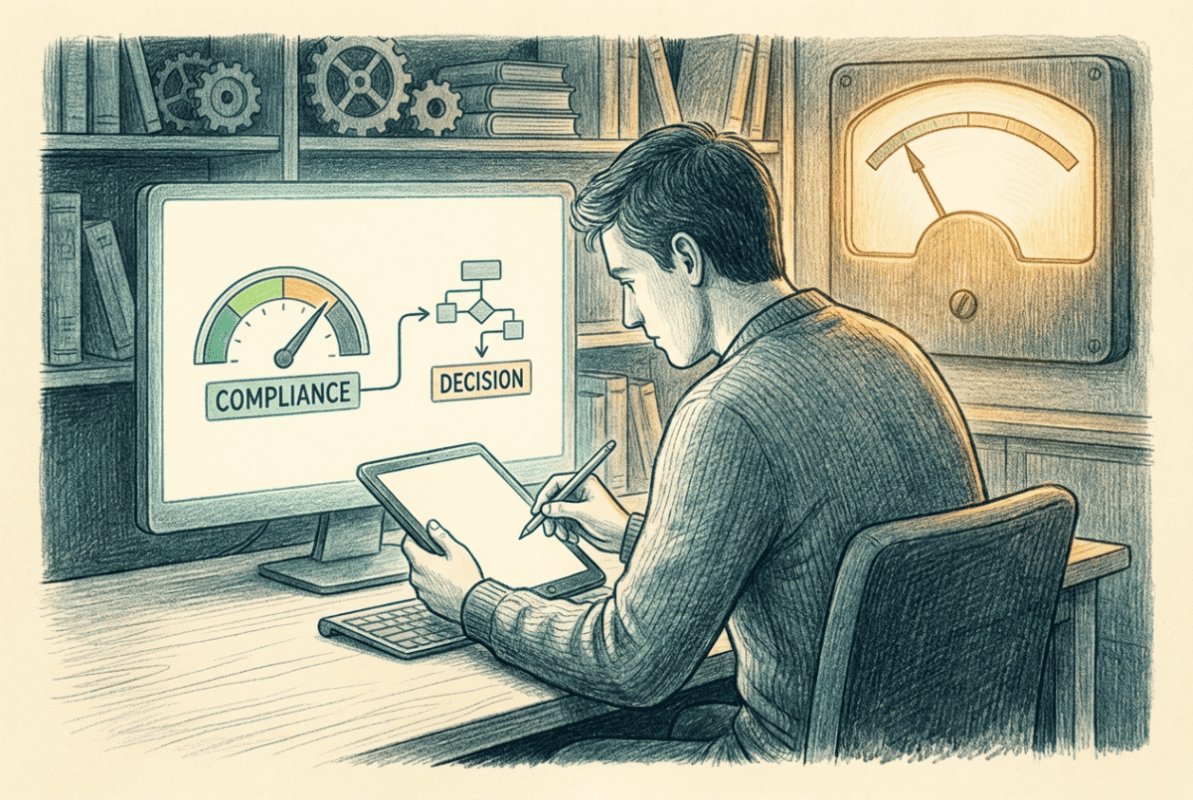

Compliance policies occupy an unusual position in the Intune architecture. They don’t configure anything. They don’t enforce anything. What they do is measure device state against defined requirements and produce a signal – compliant or non-compliant – that everything else in the enforcement layer acts on.
That signal is what makes Conditional Access meaningful. Without compliance policies producing a reliable output, Conditional Access has nothing to evaluate. Device compliance becomes an option you can check in a CA policy, but if the underlying compliance policies are poorly designed – too loose, too strict, or simply not connected to the right signals – the enforcement you think you have isn’t real.
This is why compliance belongs in its own phase, between security configuration and Conditional Access. Phase 5 built the device’s security state. Phase 6 defines what that state needs to look like for the device to be trusted. Phase 8 enforces based on that answer. The sequence is deliberate. Compliance is the measurement layer between hardening and enforcement, and treating it as an afterthought produces environments where security controls exist but don’t connect to access decisions in any meaningful way.
Compliance is not a checklist. It’s a binary signal. A device is either trusted enough to access corporate resources or it isn’t. Conditional Access consumes that answer and acts on it.
Intune compliance policies evaluate specific settings on a device and report the result back to the service. That result is then available to Conditional Access as a device compliance claim. The evaluation happens continuously – not once at enrollment, but on an ongoing basis as devices check in and report state. A device that was compliant yesterday can become non-compliant today if patch levels fall behind, if encryption is disabled, or if a Defender threat signal elevates the risk score. The access consequence follows automatically when Conditional Access is configured correctly.
Compliance policies in Intune are platform-specific. Windows, macOS, iOS, Android – each has its own compliance policy type with its own available settings. This matters because the controls available on each platform differ significantly. What you can require on a Windows device isn’t always possible on iOS, and designing compliance policies as if all platforms are equivalent produces either inconsistent enforcement or false non-compliance on platforms that can’t meet requirements they were never designed to.
Actions for non-compliance are part of the compliance policy design. The default action is to mark a device non-compliant immediately, which means Conditional Access blocks access immediately. That’s often too aggressive for initial rollout – a grace period gives users and IT time to remediate before access is cut. Designing the non-compliance action alongside the compliance rules is part of the same decision, not an afterthought.
A compliance policy with no grace period and no notification is a device lockout waiting to happen. Design the remediation path at the same time you design the compliance rule.
The Defender for Endpoint machine risk score integration connects threat signals directly into compliance. A device that Defender identifies as elevated risk can be marked non-compliant automatically, which triggers the Conditional Access response without anyone making a manual decision. That loop – threat detected, device marked non-compliant, access restricted – is one of the most operationally significant things you can build in a modern endpoint environment. It only works if the compliance policy is configured to consume the Defender risk signal, and only if Defender for Endpoint is properly onboarded as covered in Phase 5.
The next article covers what compliance rules should actually contain – which requirements are worth enforcing, which create operational noise without adding real security value, and how to design rules that reflect genuine trust requirements rather than compliance theater.
Intune Deployment Guide · Phase 6: Compliance
Next: [6.1.1] Building Compliance Policies in Practice ›



